Introducing AI Scene Detection
Introducing AI Scene Detection
Perfectly Clear’s automatic intelligence is more intelligent than ever with part 1 of 3 upcoming AI releases
Learn More
- •
- •
- •
- •
- •
- •
Perfectly Clear Just Got Smarter
EyeQ is excited to announce we have made another big leap in innovation with the introduction of AI Scene Detection which uses artificial intelligence. By processing over 50.5 billion photos per year, we’ve been able to identify common themes and build an AI platform to leverage all this amassed intelligence. So while Perfectly Clear has always been an intelligent product, our new AI Scene Detection feature takes correction accuracy and the ability to assess different scenes to a next level.
By the way, this won’t be our only AI innovation! Stay tuned in the upcoming weeks for even more…
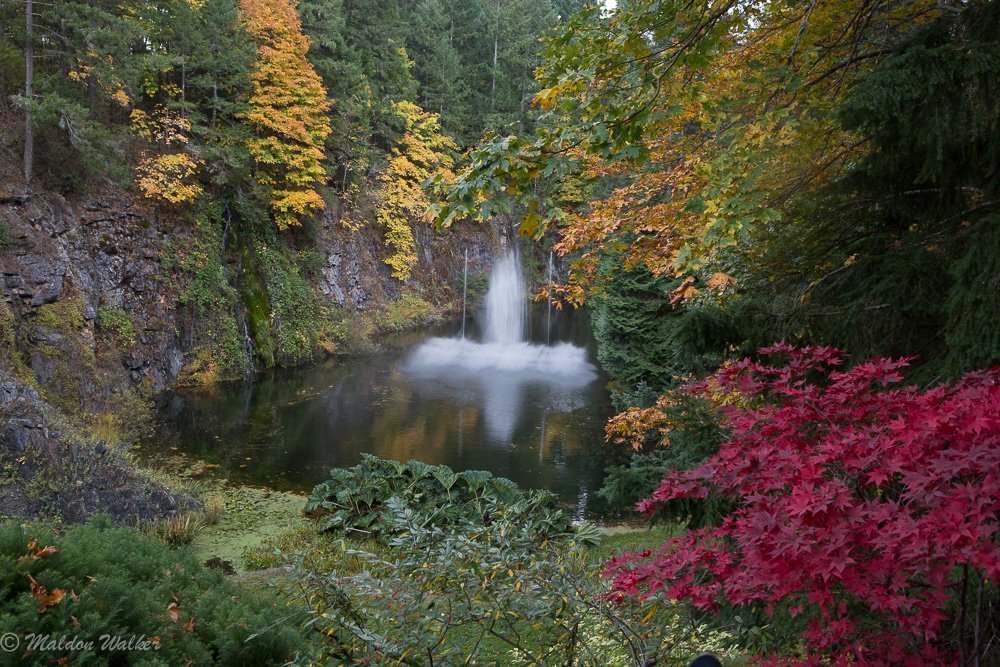
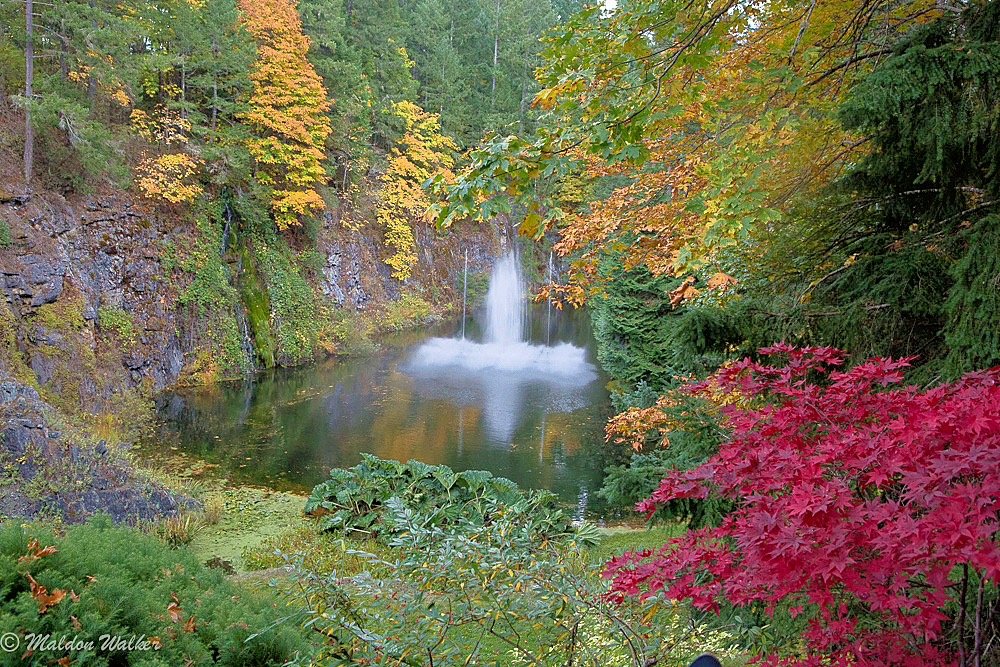
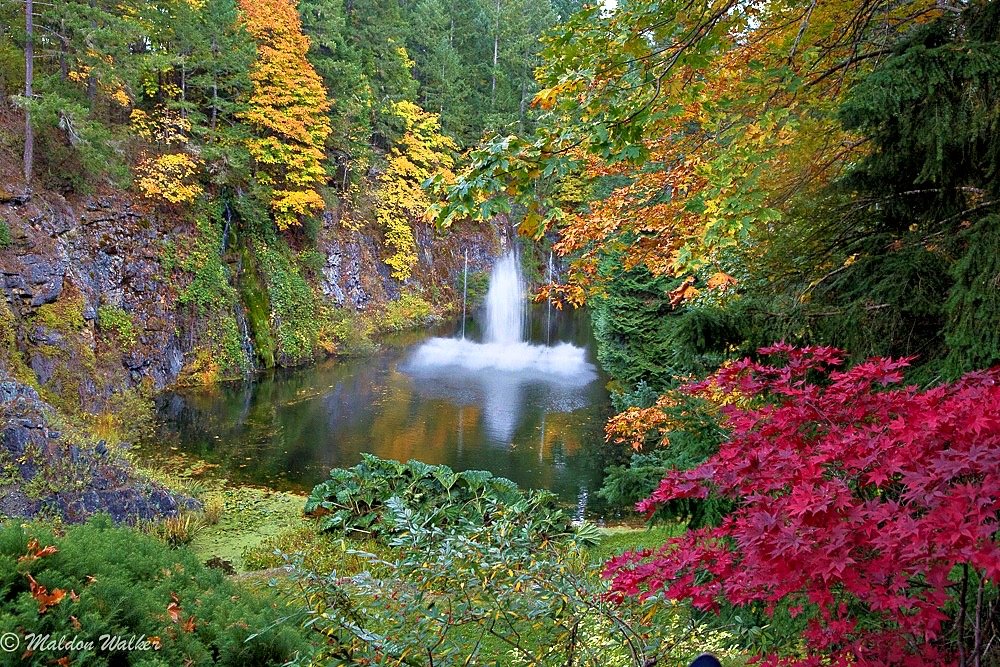
- •Before
- •iAuto 2021
- •AI Scene Detection
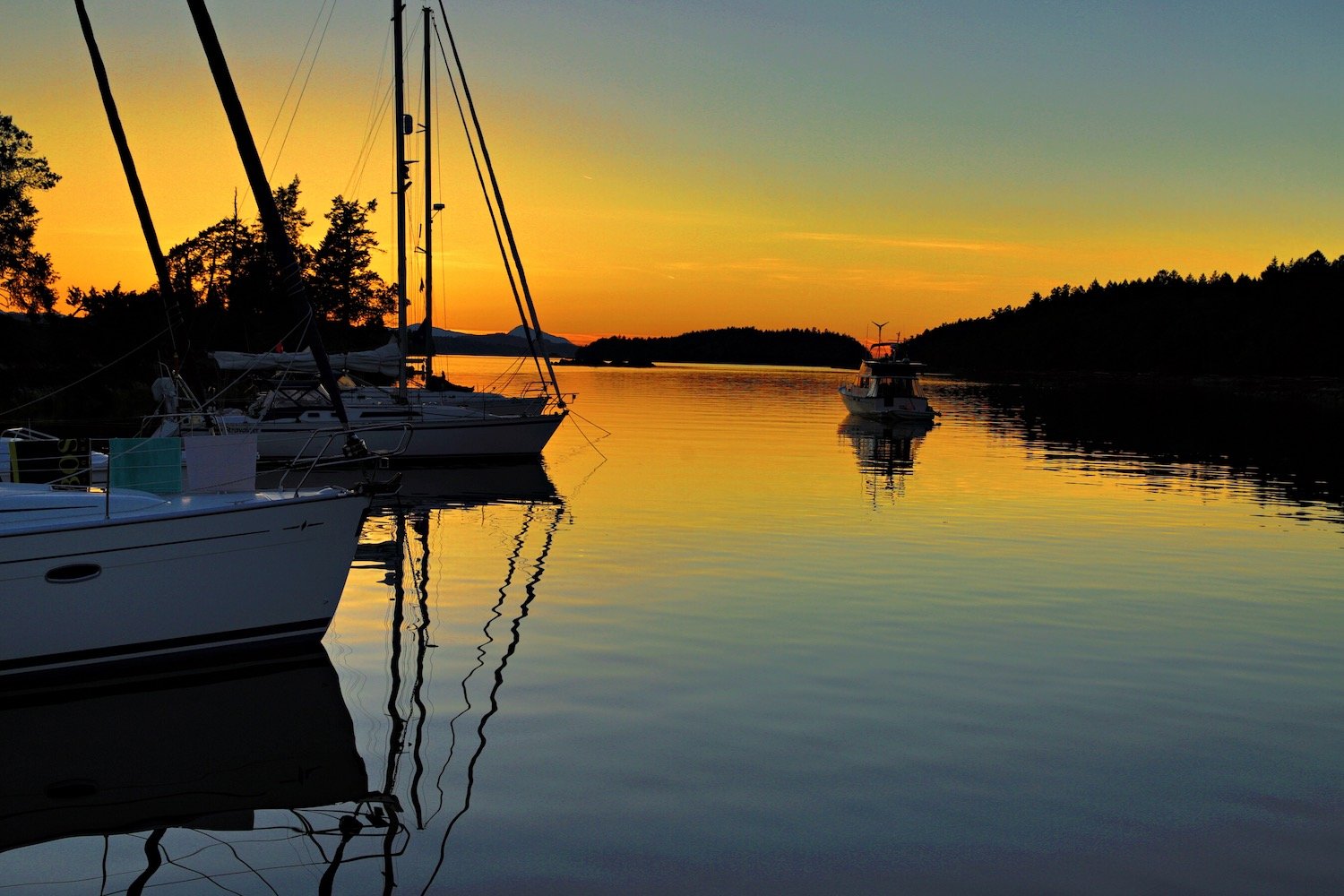
BeforeAfter
Two Key Benefits From AI Scene Detection:
- 1.Image intelligence - By knowing the lighting conditions and scenes in a photo, you can do more with the image, independent of our correction algorithms
- 2.Wider range and more robust corrections – By understanding the lighting conditions and scene, laser-focused corrections can be applied to the photo. This is accomplished through our new AI Scene Detection auto setting that has the capability to apply different correction parameters via different presets to the photo.
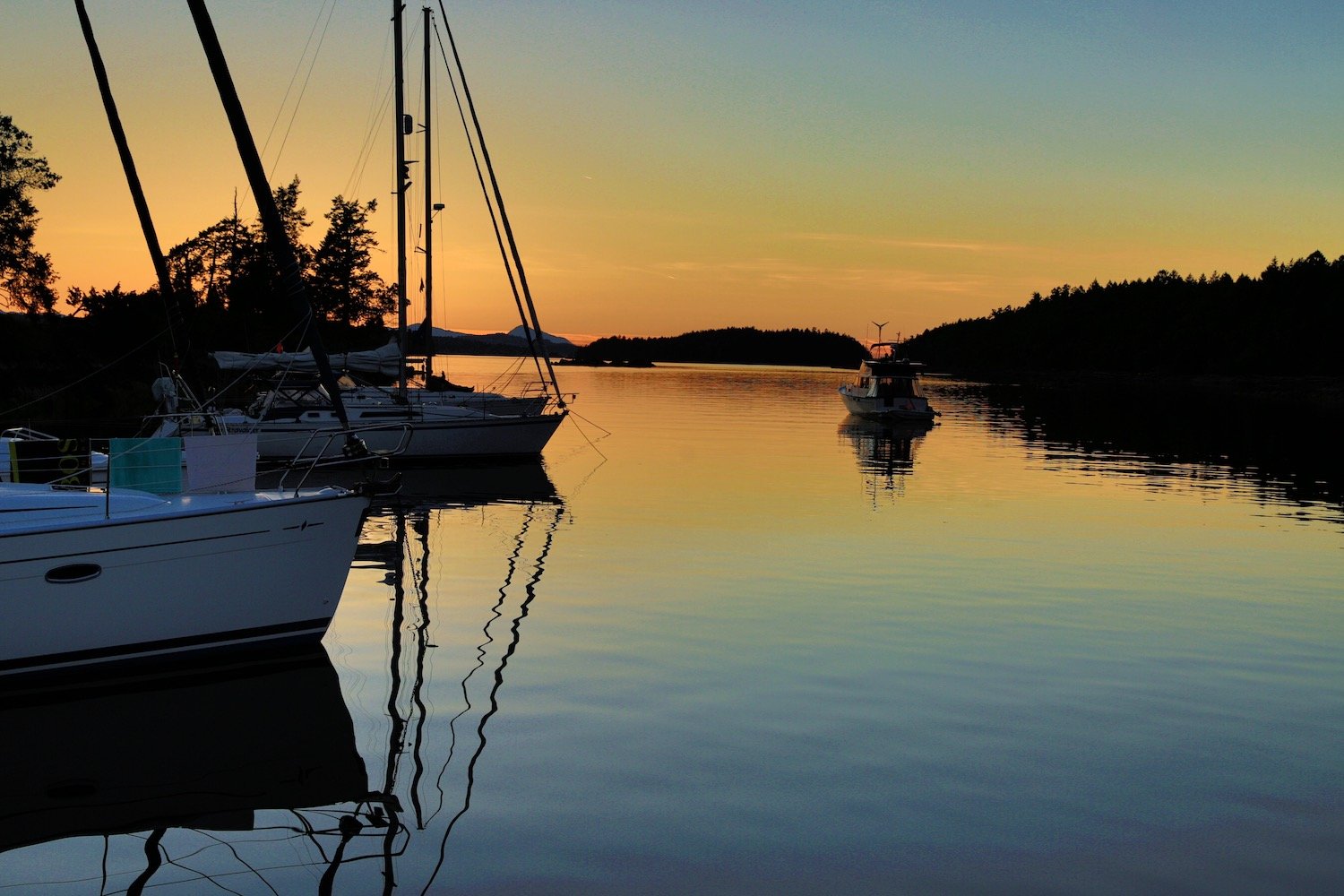
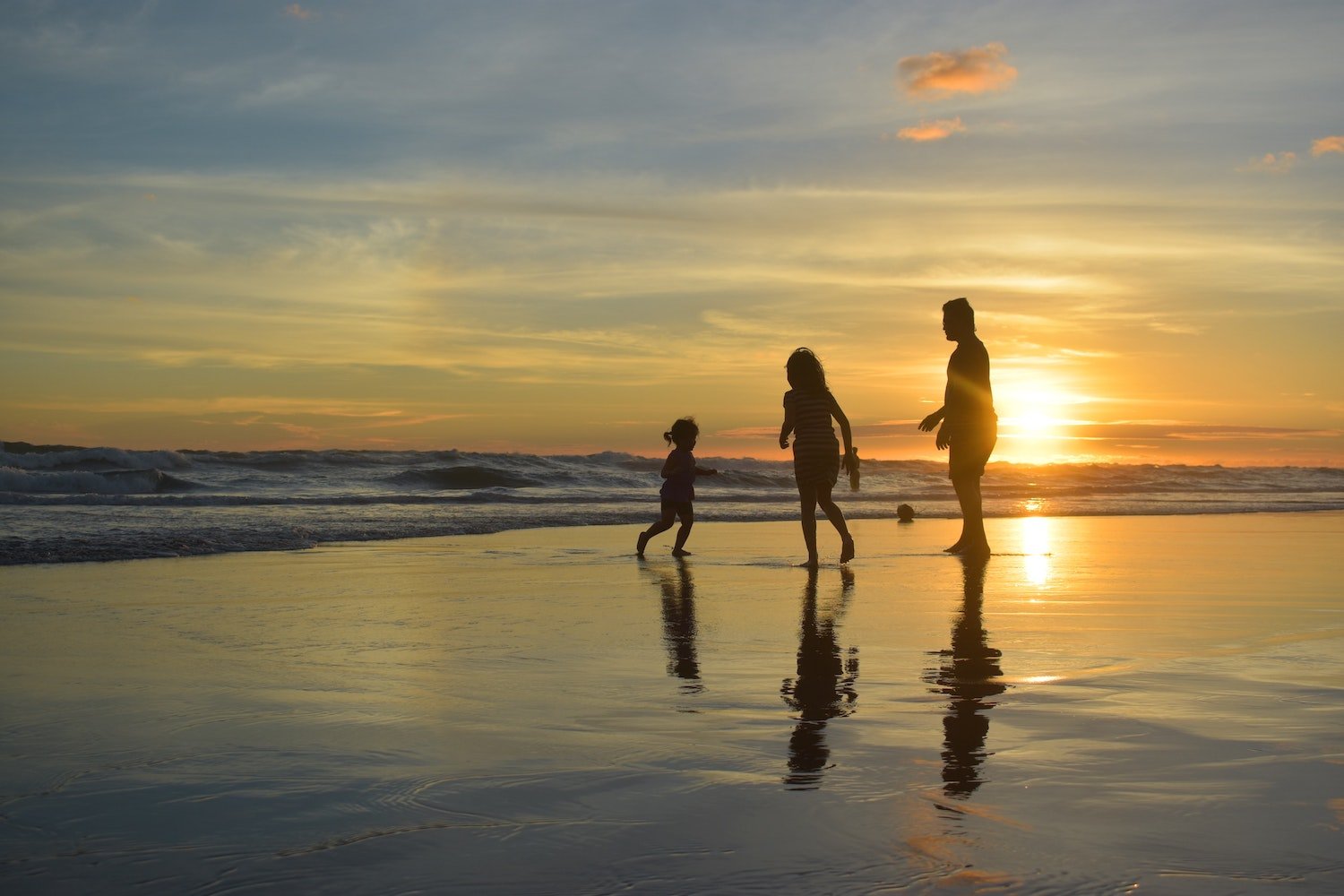
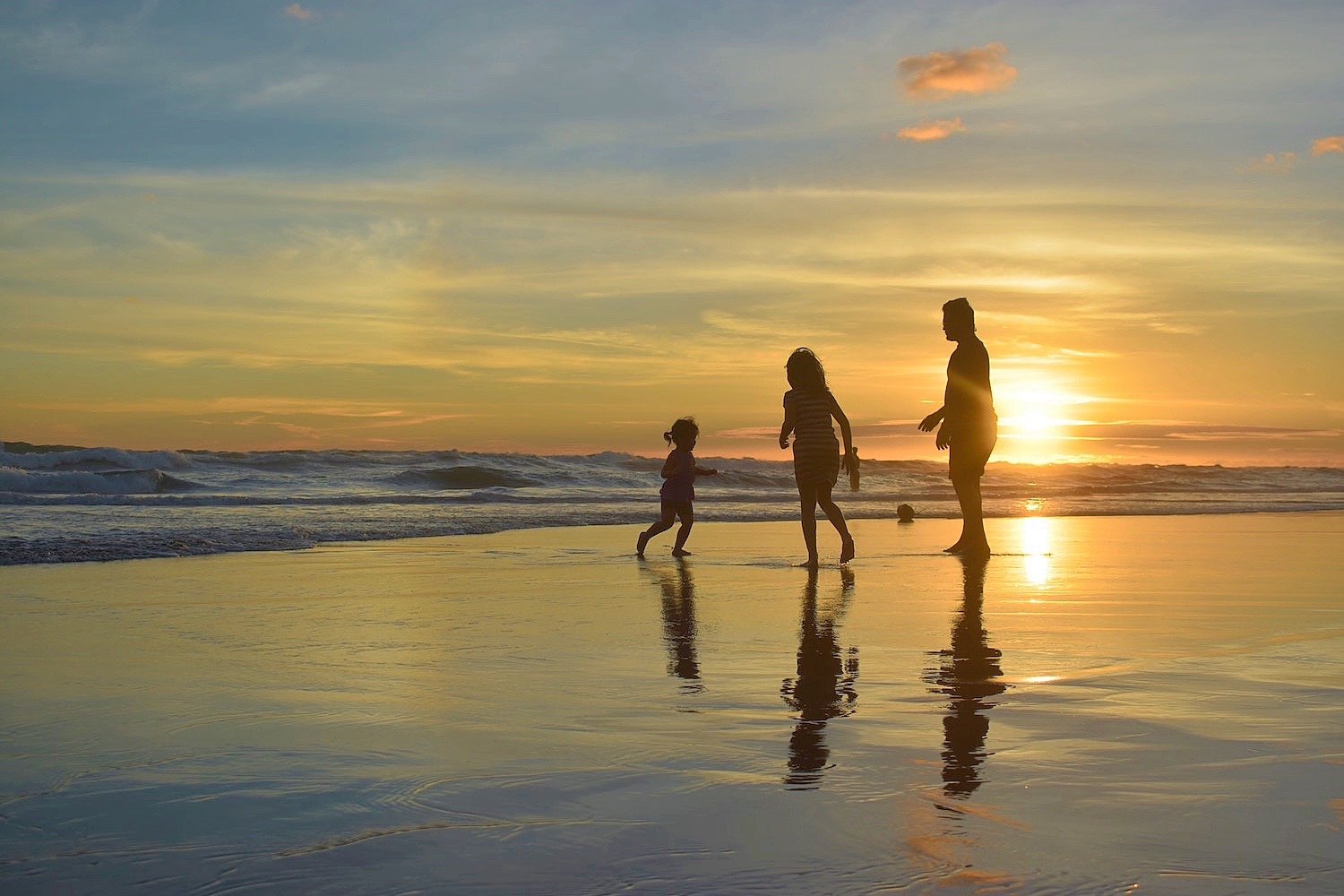
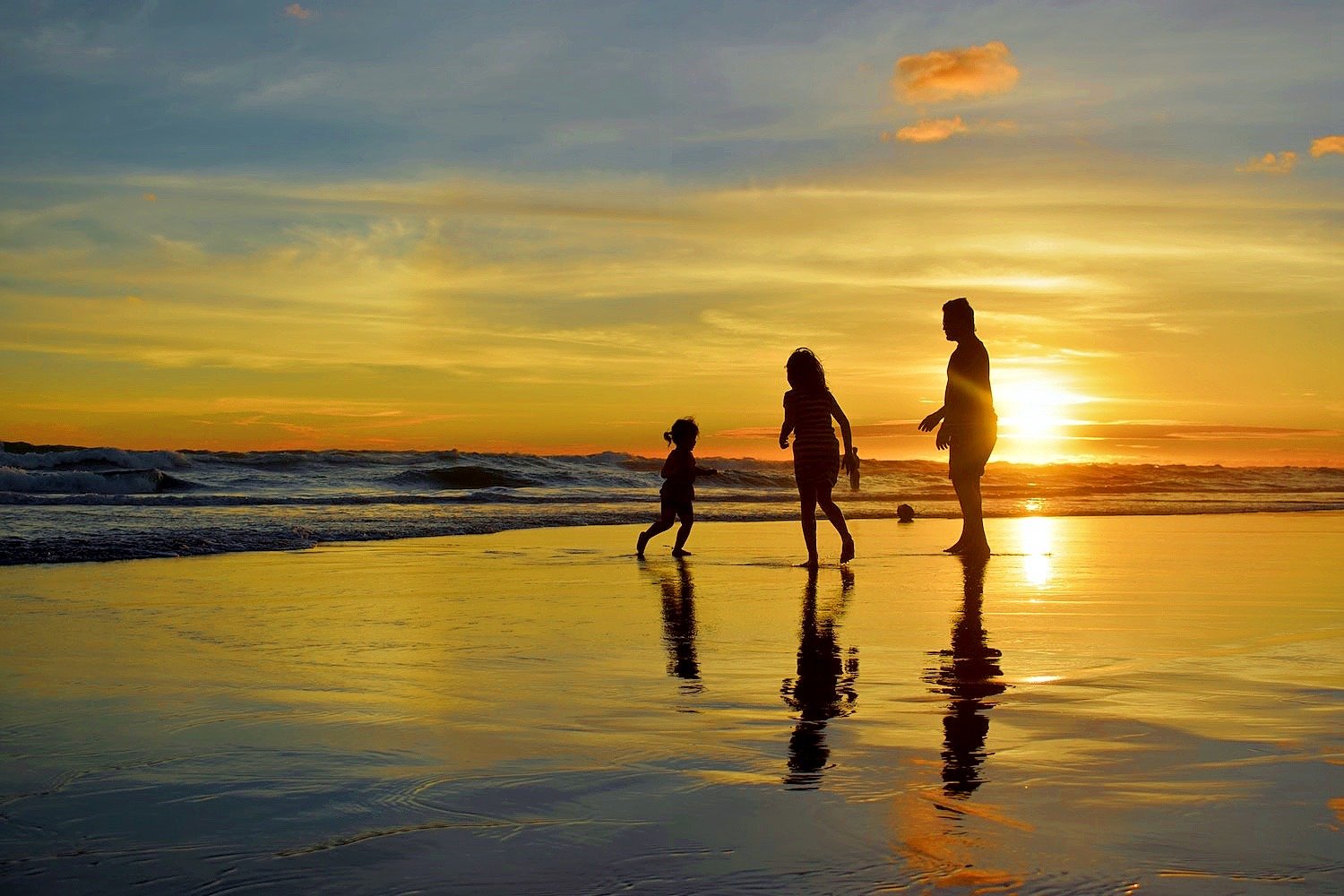
As you can see here, the image on the left was enhanced using iAuto. The image on the right was enhanced using our Sunset Preset for more vivid colors.
“When you have an image with a baby in it, you don’t want a vibrant correction but rather you want a soft touch applied. So AI Scene Detection will do just that. The opposite would be true with something like a sunset, where you want to push the vibrancy. With AI Scene Detection, we can push the color to bring out the vividness in the scene which cameras have a tough time capturing. It really is a game-changer in terms of accurately assessing what’s in the photo and applying the best and most appropriate correction.”
Jeff Stephens, EyeQ’s CTO and co-founder
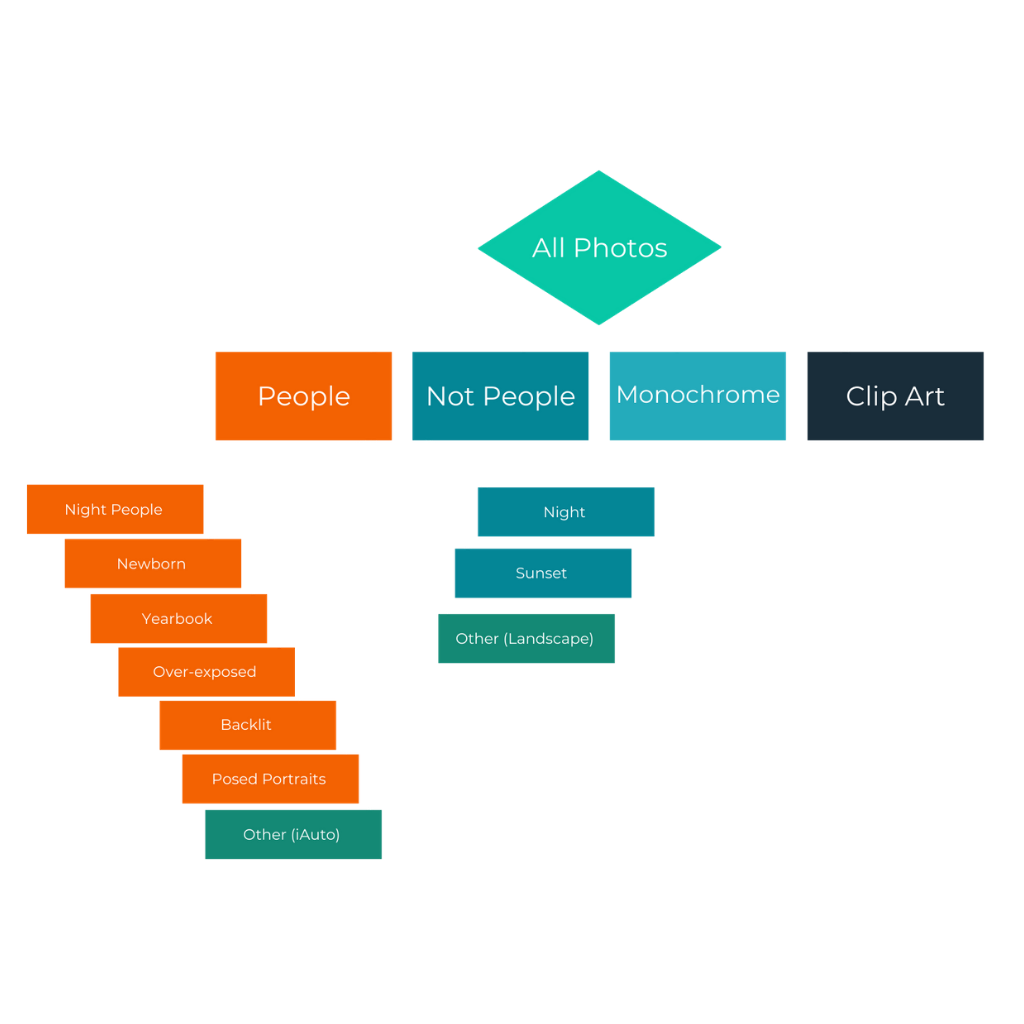
Scenes & Custom Scenes
EyeQ’s engineering team took the time and care to choose 12 scenes and lighting conditions that showed improvement with a different preset than the existing iAuto 2021 feature. Other scenes not included were proven to look best with the current iAuto 2021 parameters. There is also an option for EyeQ to build in custom scenes for a customer’s specific business and needs if that is required.
Learn More About Custom Scenes
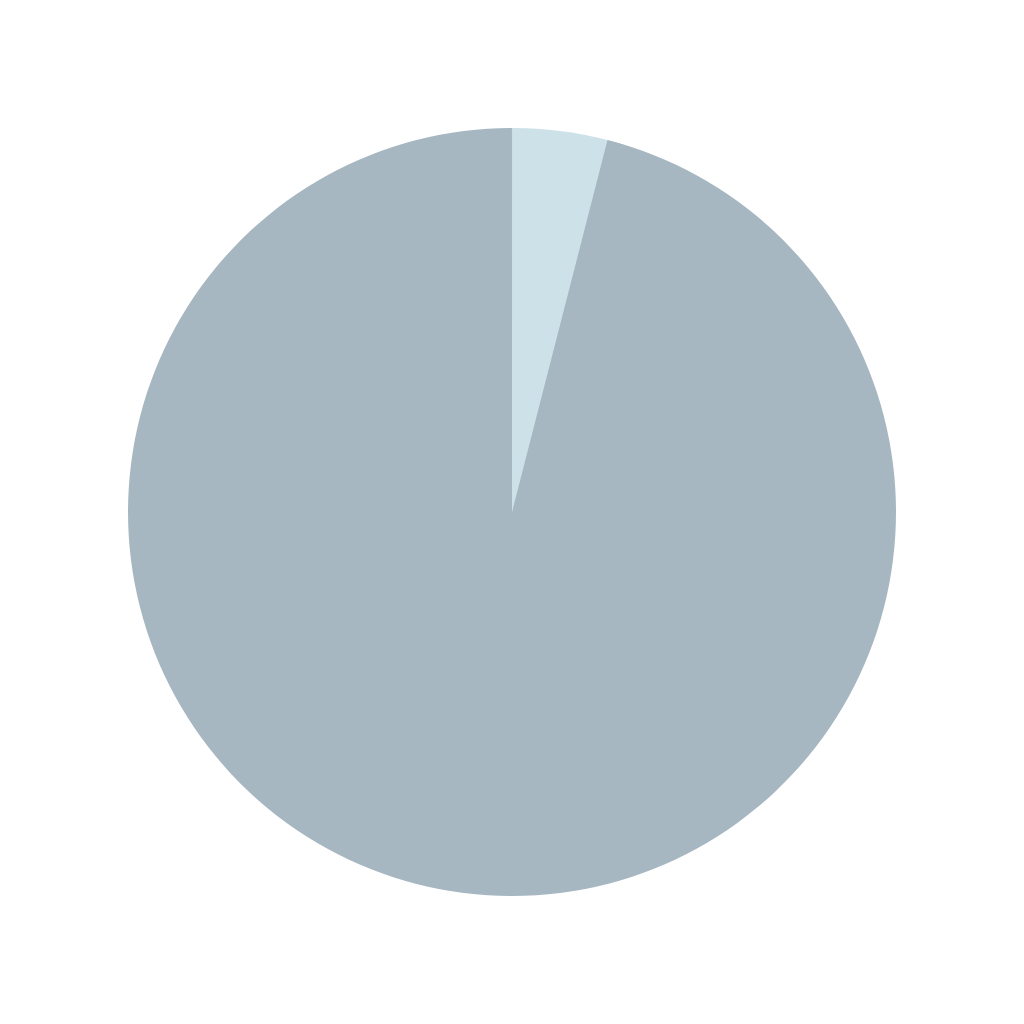
Accuracy & Speed
AI Scene Detection is quick and requires no exotic hardware. The processing time is < 1/10th second and it runs on CPU.
During initial testing, we calculated an accuracy rate of 96%. Presets are applied on a tiered system (see image above) to ensure the least harmful preset will be chosen in an event where the scene could be classified as more than one category.
FAQs
What if More Than One Scene Is Detected In My Photo?
AI Scene Detection will choose whatever correction we have trained it to know is more important. We have created a default tiered system that can also be changed based on your business needs. For example, it is probably more important for a photo of a baby at sunset to receive soft correction on the baby than it is for the photo to receive a vibrant sunset correction. Therefore, the baby correction would kick in rather than the sunset correction. This ensures the most accurate correction.
I Don’t See a Scene Listed That Is Important to My Business
If we don’t have a scene listed that is important to your business, we can add it for you. We’ll work with you to create an accurate preset and gather about 1,000 photos to train our AI Scene Detection engine. If we have everything we need, it will only take about two weeks to train the engine!
Learn More About Custom Scenes
How Do I Update to Perfectly Clear with AI Scene Detection?
Scene Detection is currently available for testing through Workbench. For SDK customers, an update will be very easy and will most likely be a drop in for many implementations. Please contact your personal sales associate or email us at sales@eyeq.photos. QuickDesk and QuickServer customers will be able to update through AppsManager.
Is AI Scene Detection Available Now?
Currently, you can test AI Scene Detection through Workbench. If you have Workbench installed, just update it through AppsManager and get testing! We plan to roll this new technology out to customers as soon as possible, and we will contact customers directly when the update is officially available.
Compare iAuto 2021 with AI Scene Detection
AI Scene Detection presets are only implemented when Perfectly Clear believes the result will be better than the iAuto preset. See for yourself!
- •
- •
- •
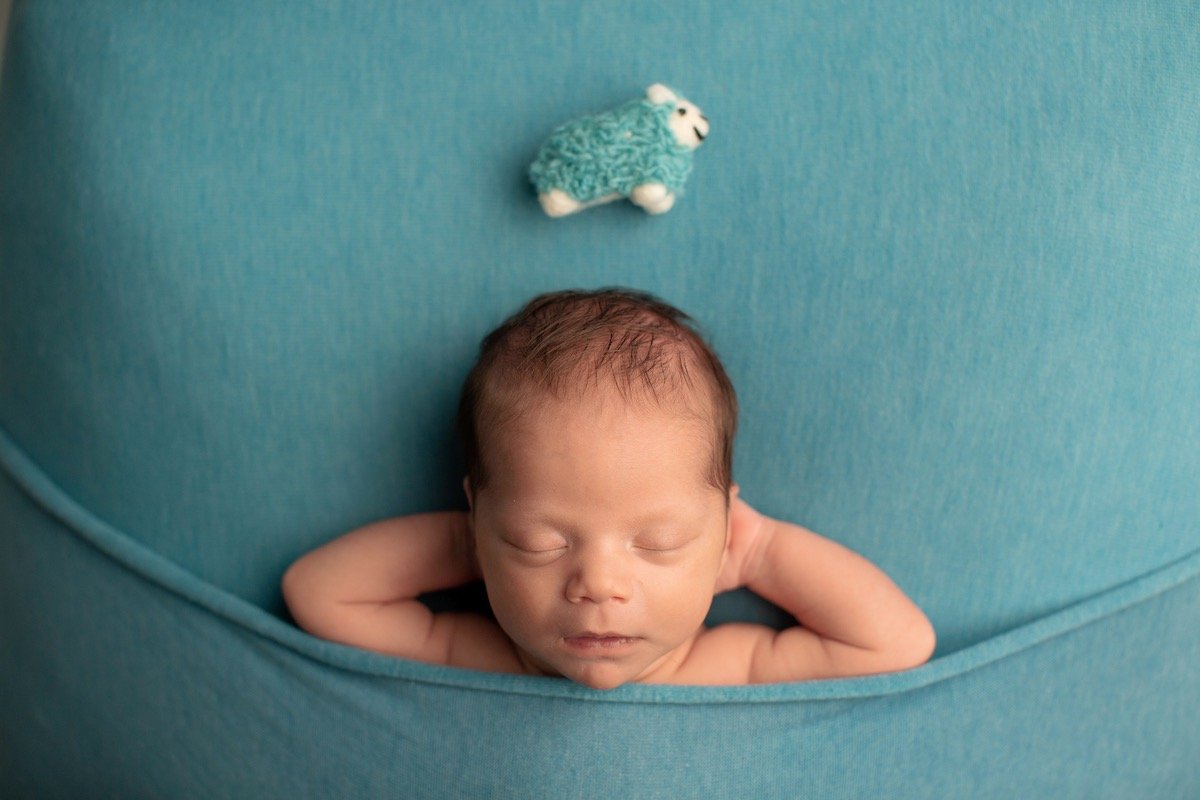
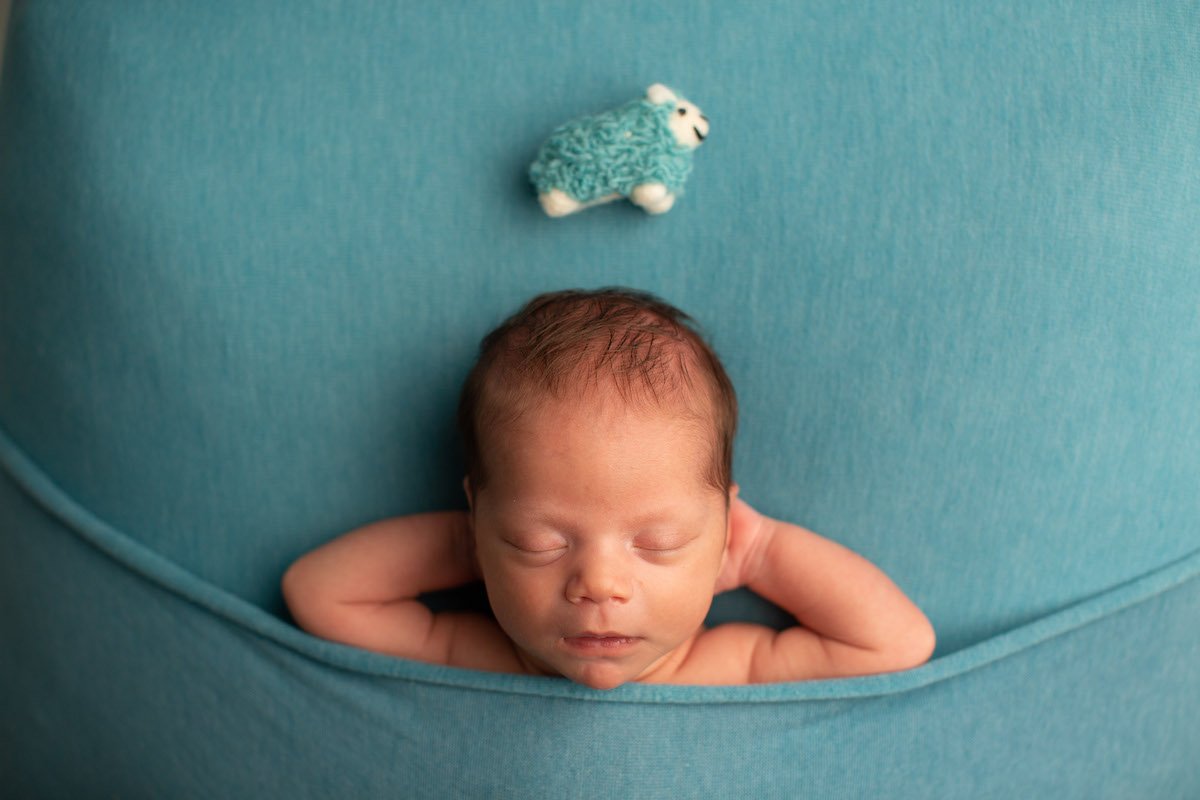
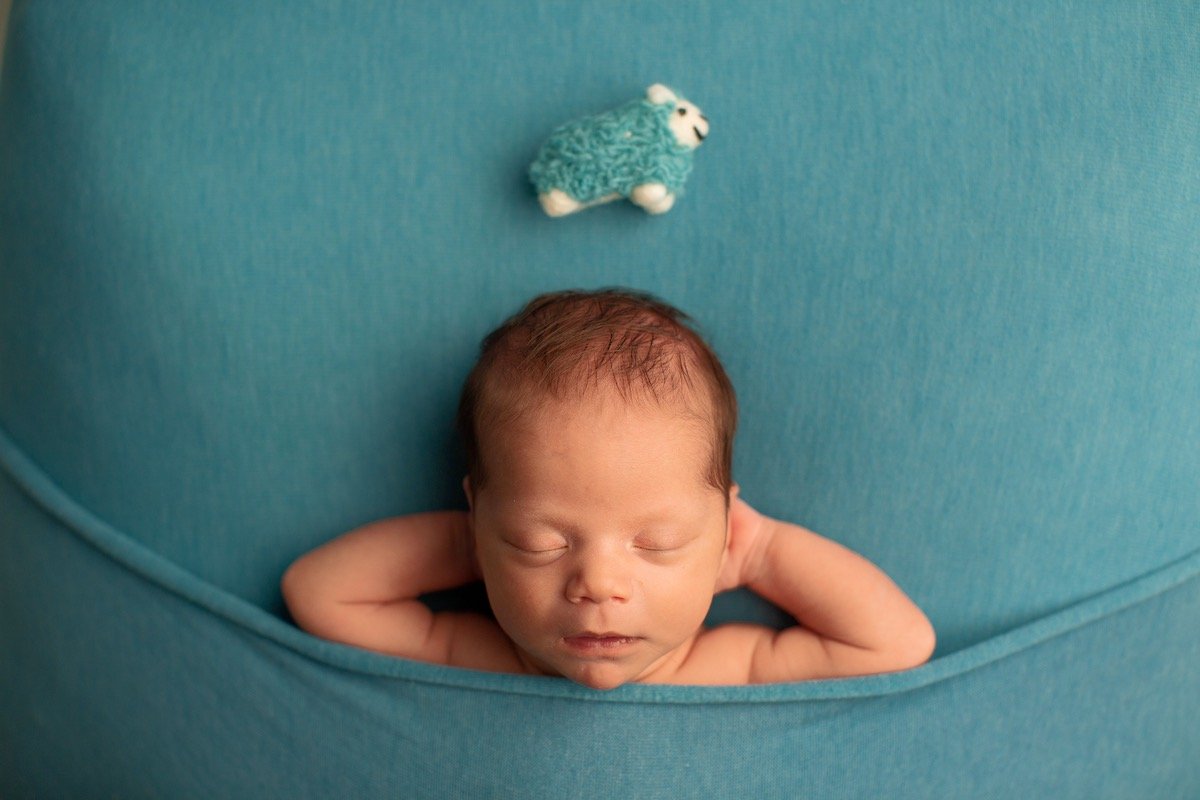
Newborn
- •A photo where the main subject is a newborn.
- •We have found that cameras usually pick up red skin on babies, so our skin tone accuracy correction is applied.
- •Soft & subtle.
- •Before
- •iAuto '21
- •AI Scene Detection
- •
- •
- •
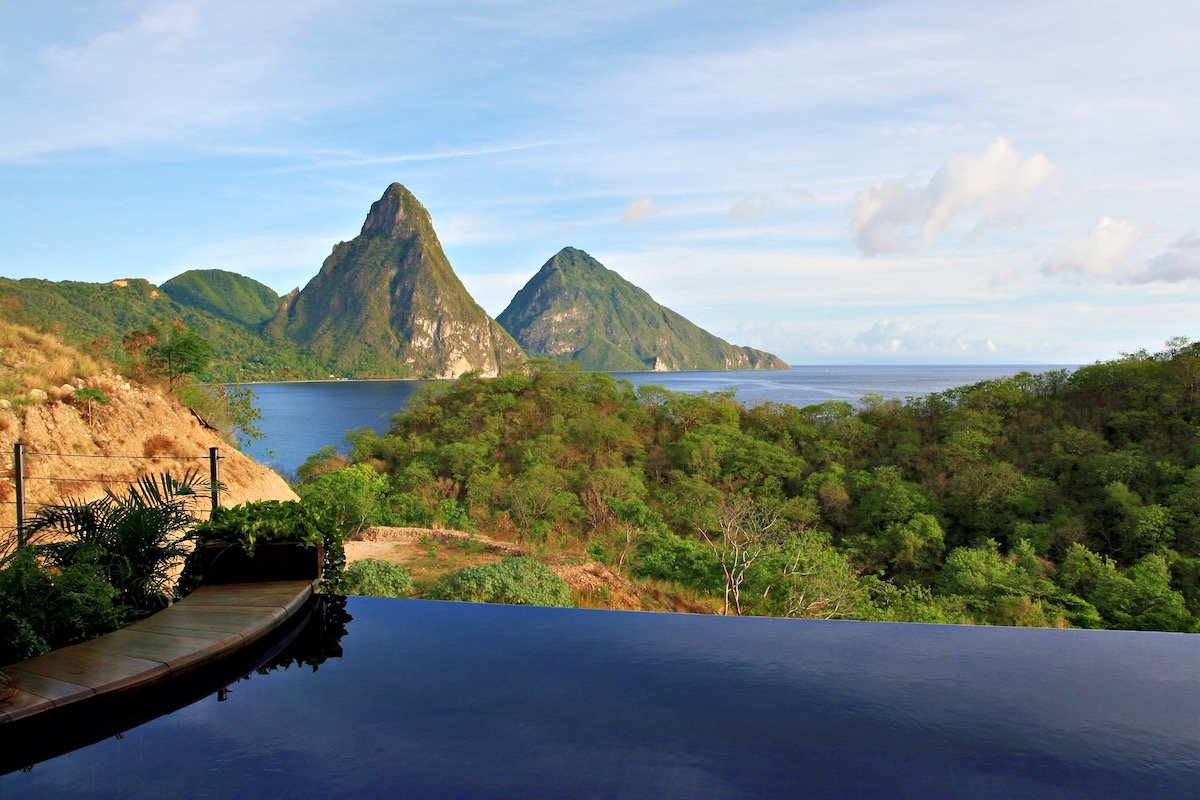
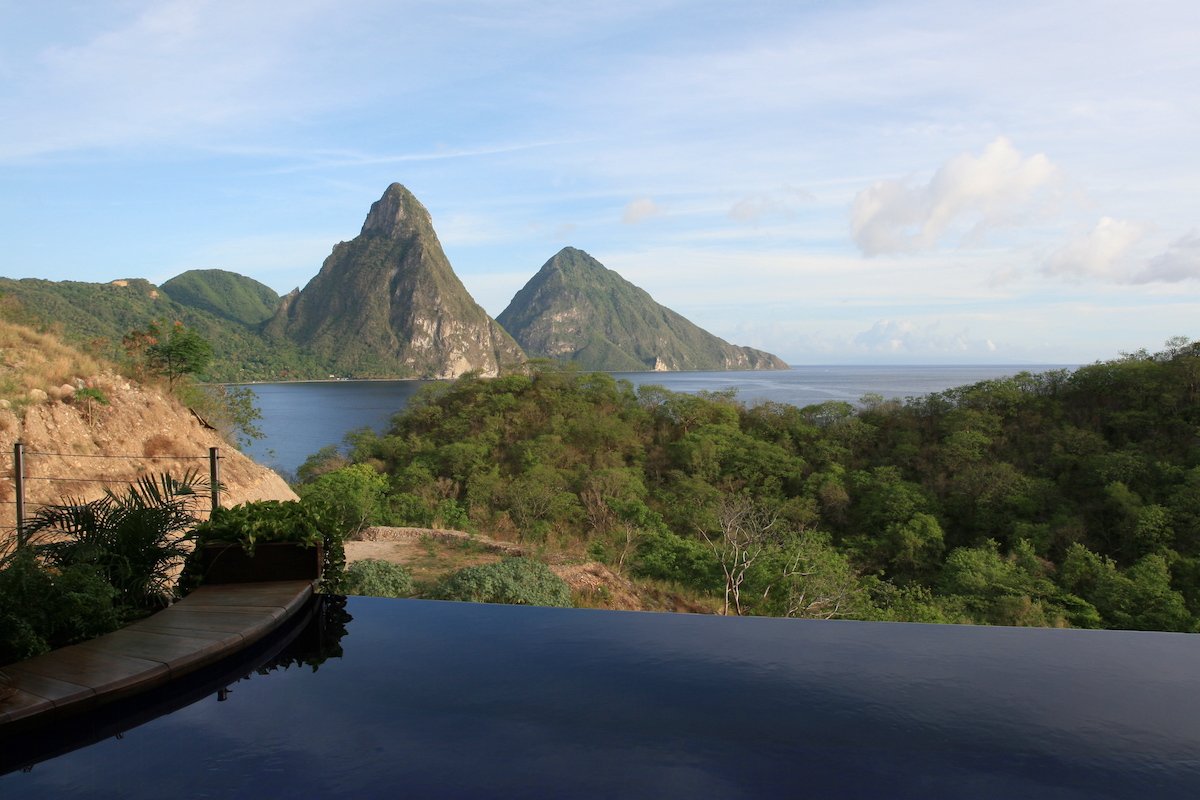
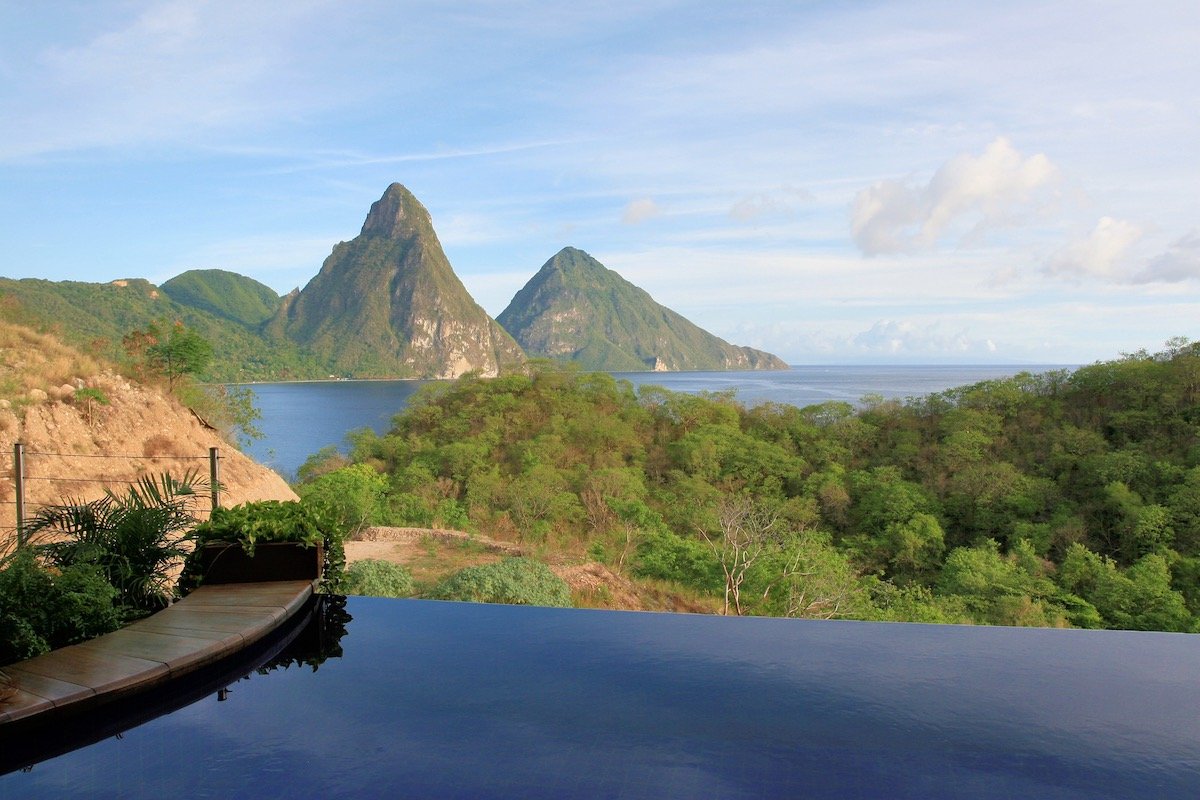
Landscape
- •A photo of a landscape such as a beach, mountains, deserts, etc
- •Alive with color vibrancy and depth
- •Before
- •iAuto '21
- •AI Scene Detection
- •
- •
- •
Sunset
- •A sunset scene is defined as a landscape with orange sky & clouds
- •Bring sunsets to life with more vivid and lifelike color
- •Before
- •iAuto '21
- •AI Scene Detection
- •
- •
- •
Back Light
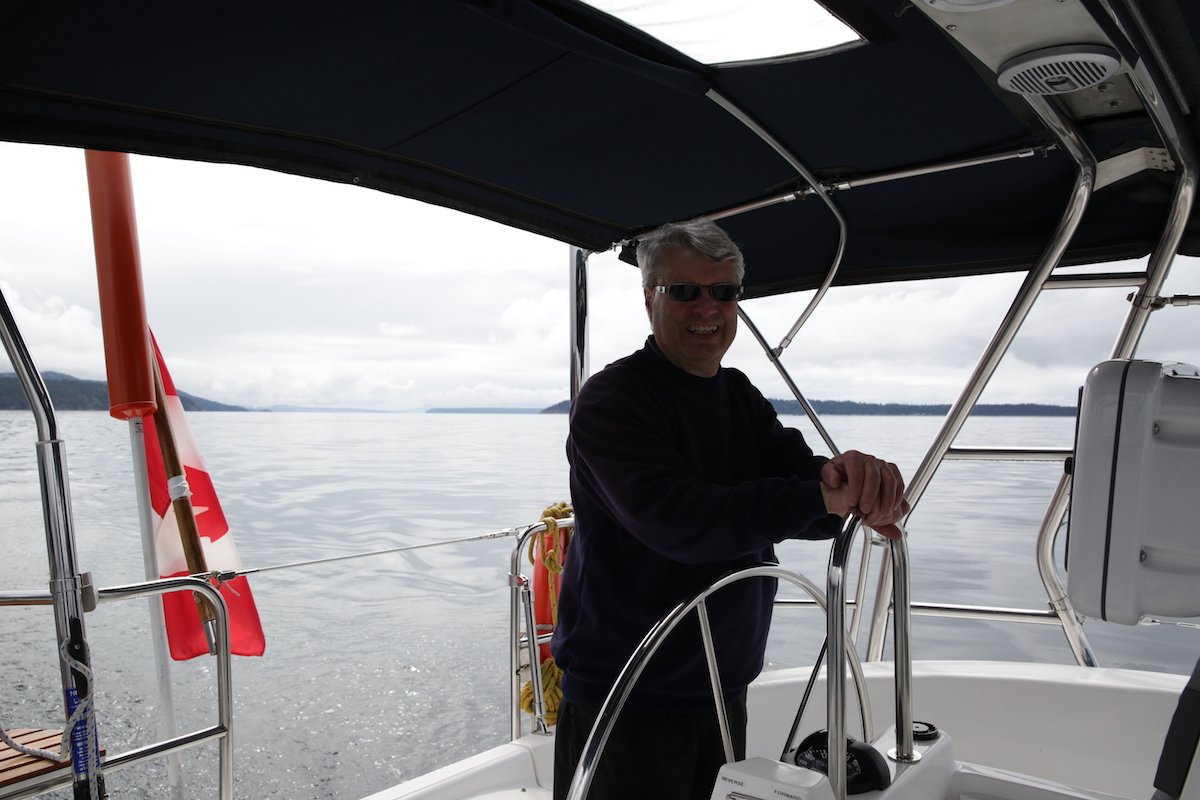
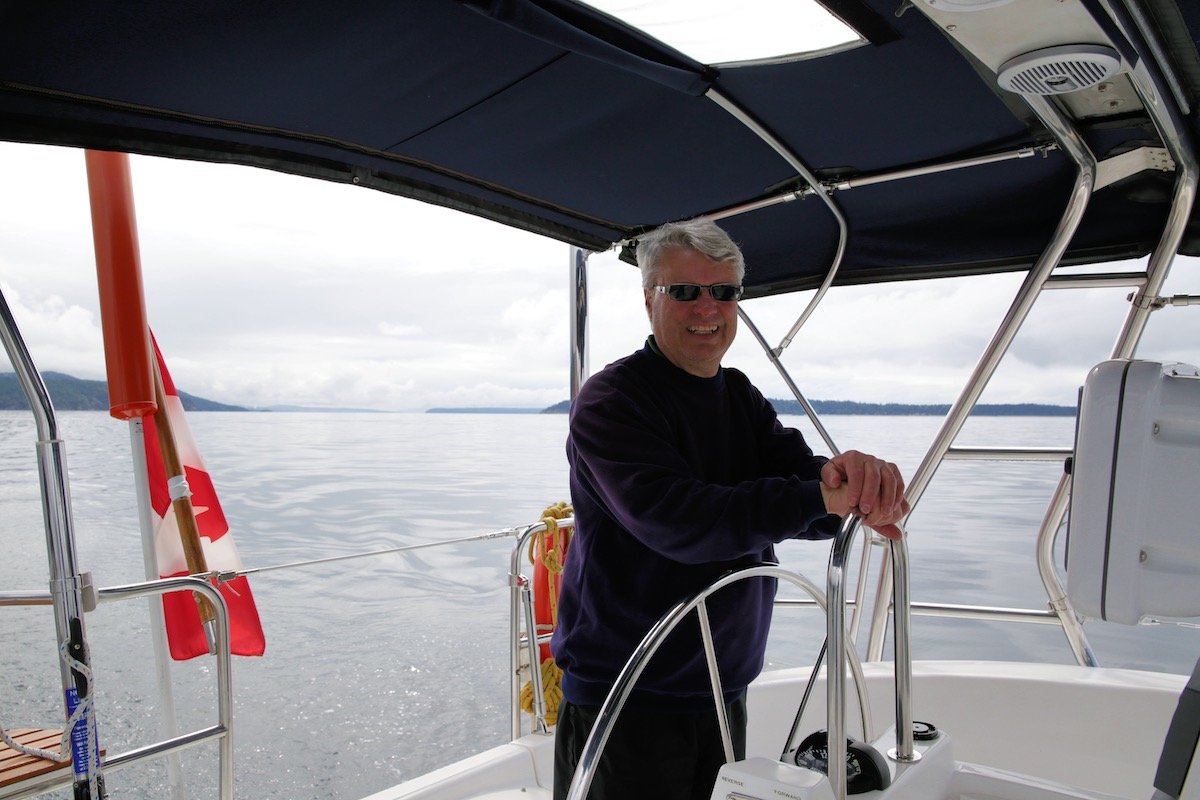
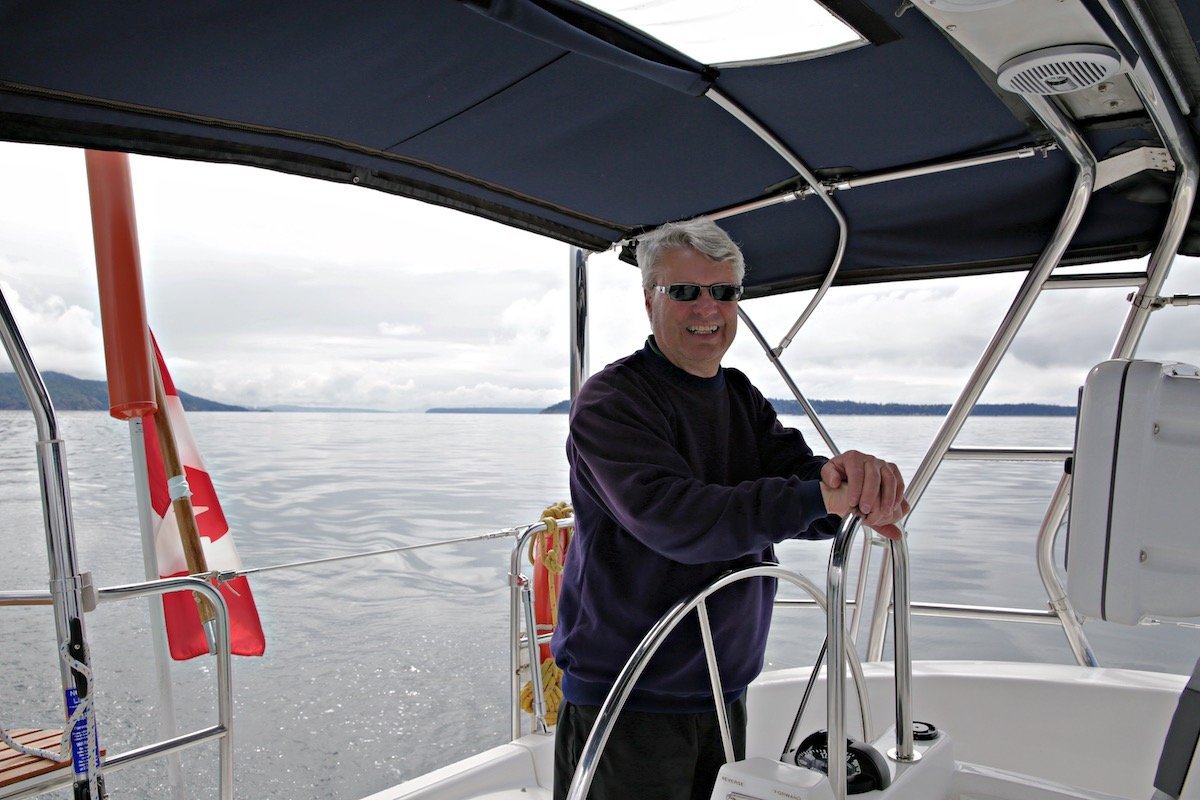
- •A backlit image is defined as having a dark face or subject against a bright background.
- •Details are boosted on the subject and lighting is fixed for a more accurate image
- •Before
- •iAuto '21
- •AI Scene Detection
- •
- •
- •
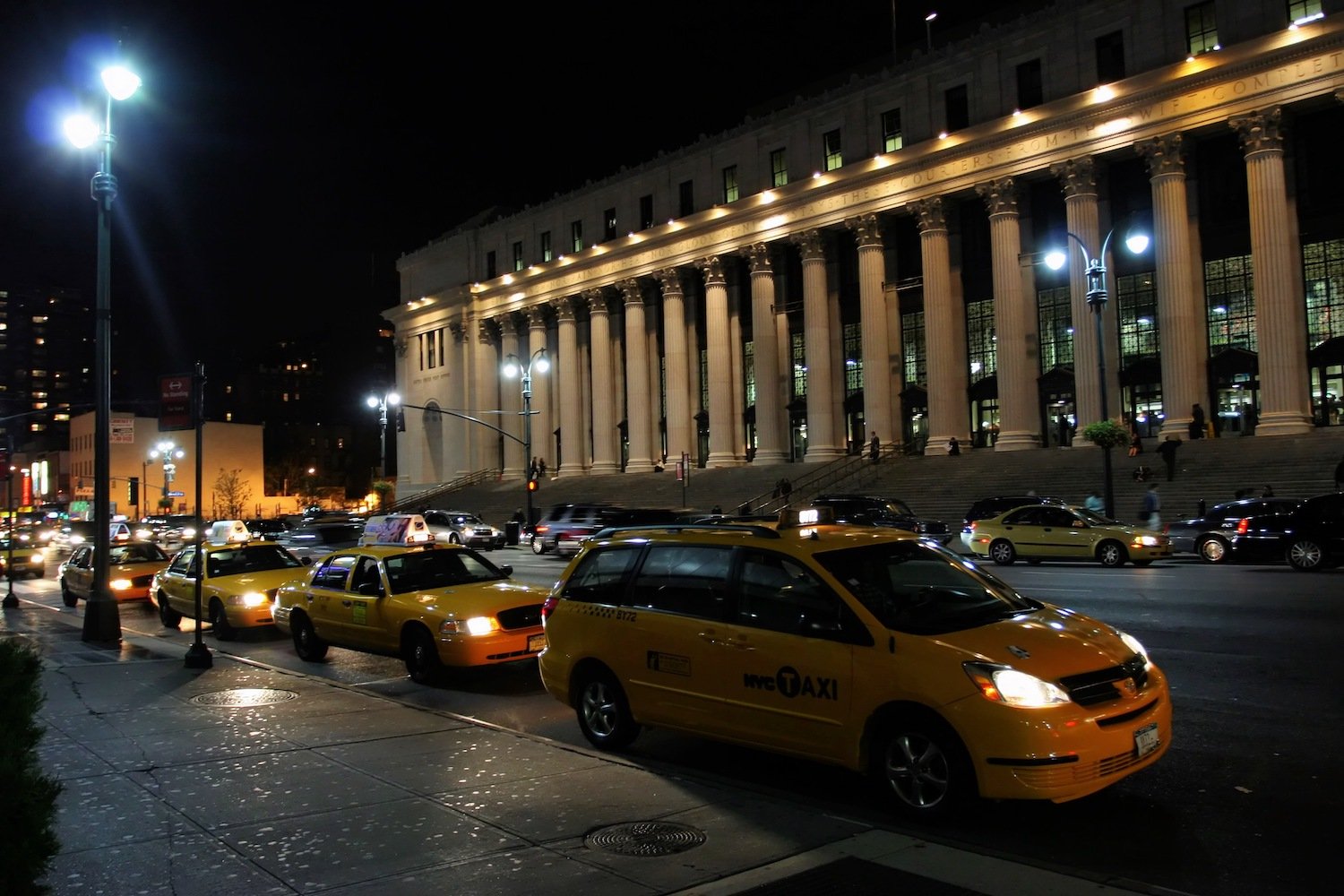
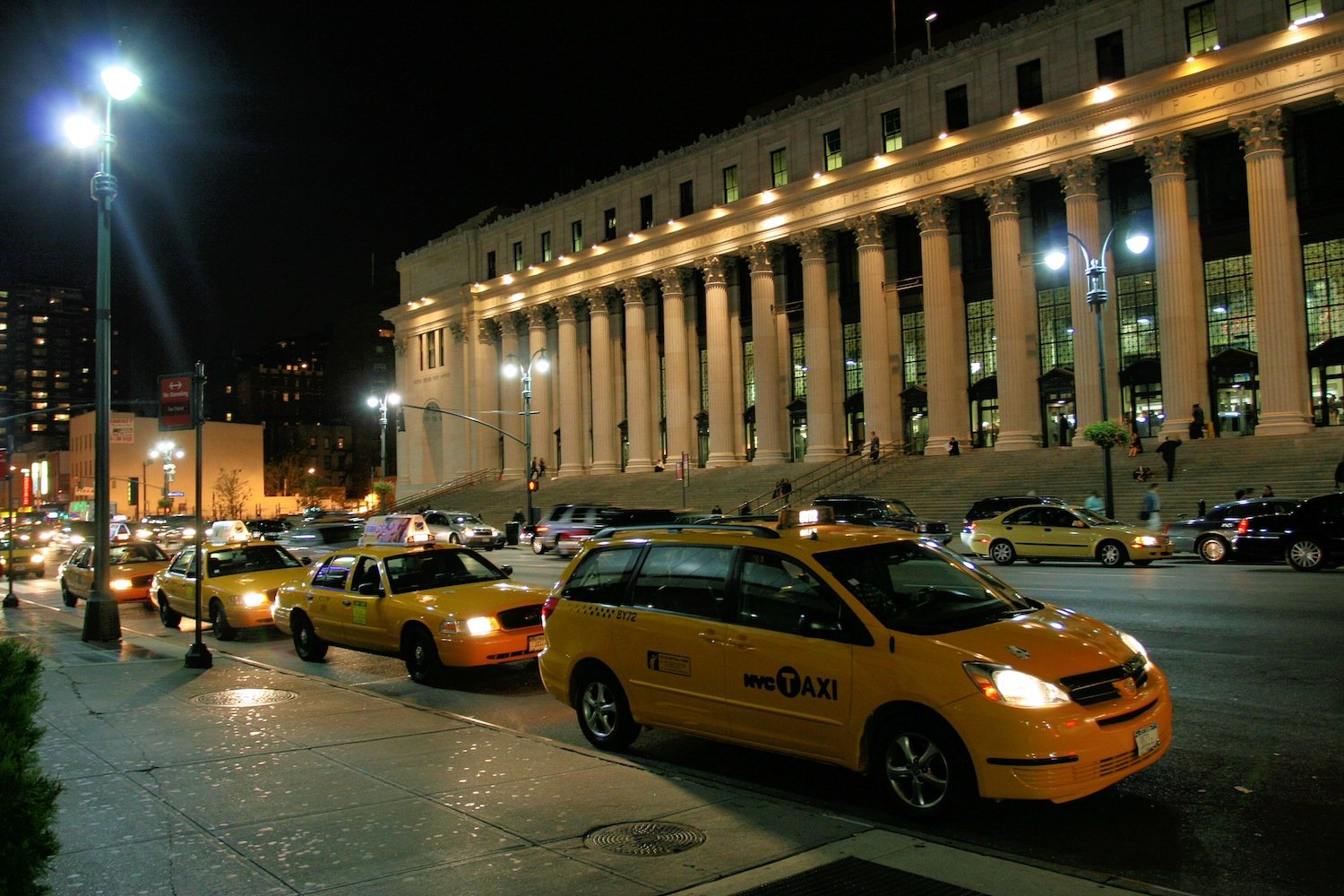
Night
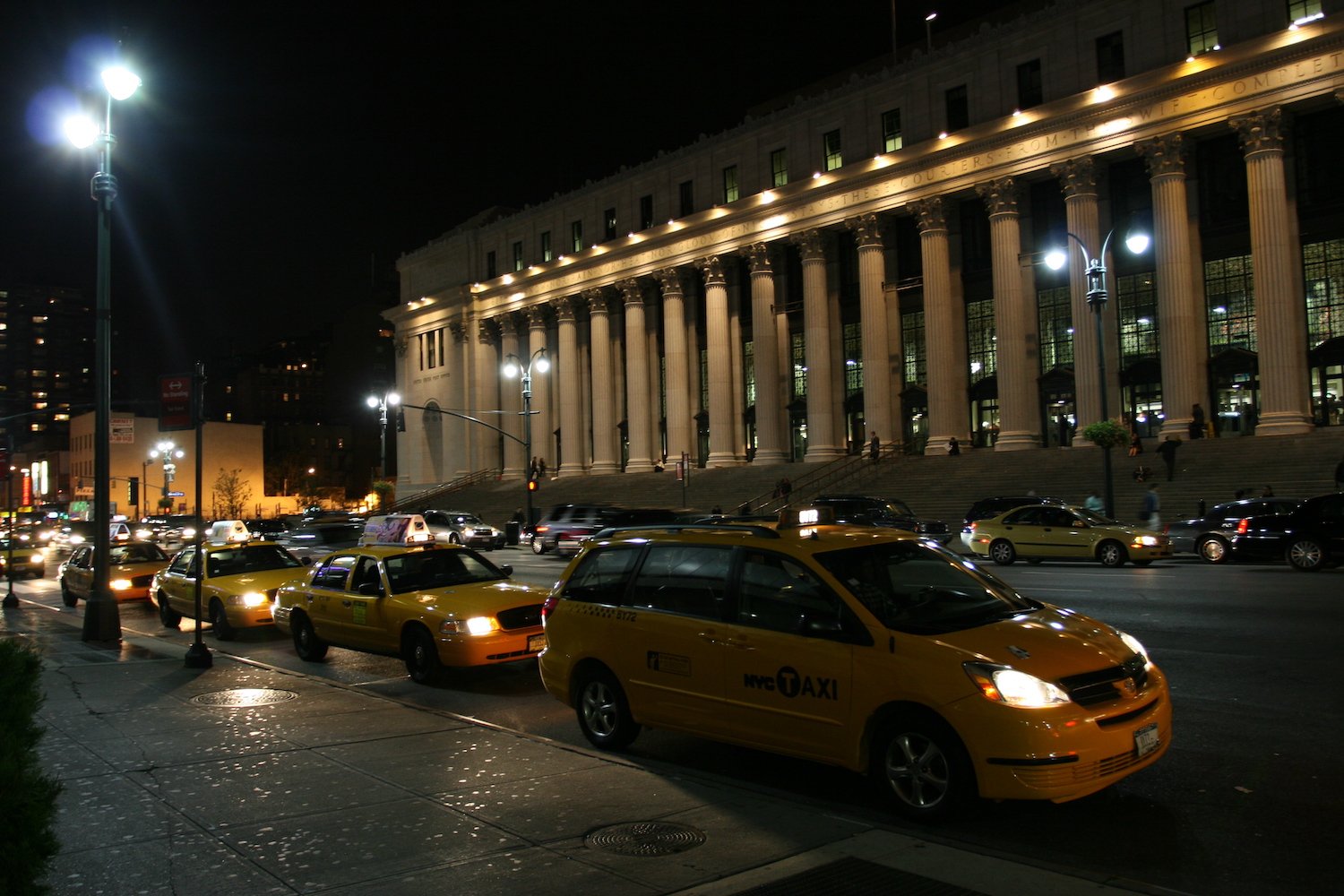
- •Designed for cities and landscapes at night where the sky is dark or nearly black & interiors of dark bars and clubs that do not have people in them.
- •Adds a desirable, subtle blue hue
- •The results ensure that the image is not exposed too much and still looks like "night." Noise is slightly minimized and colors are slightly saturated.
- •Before
- •iAuto '21
- •AI Scene Detection
- •
- •
- •
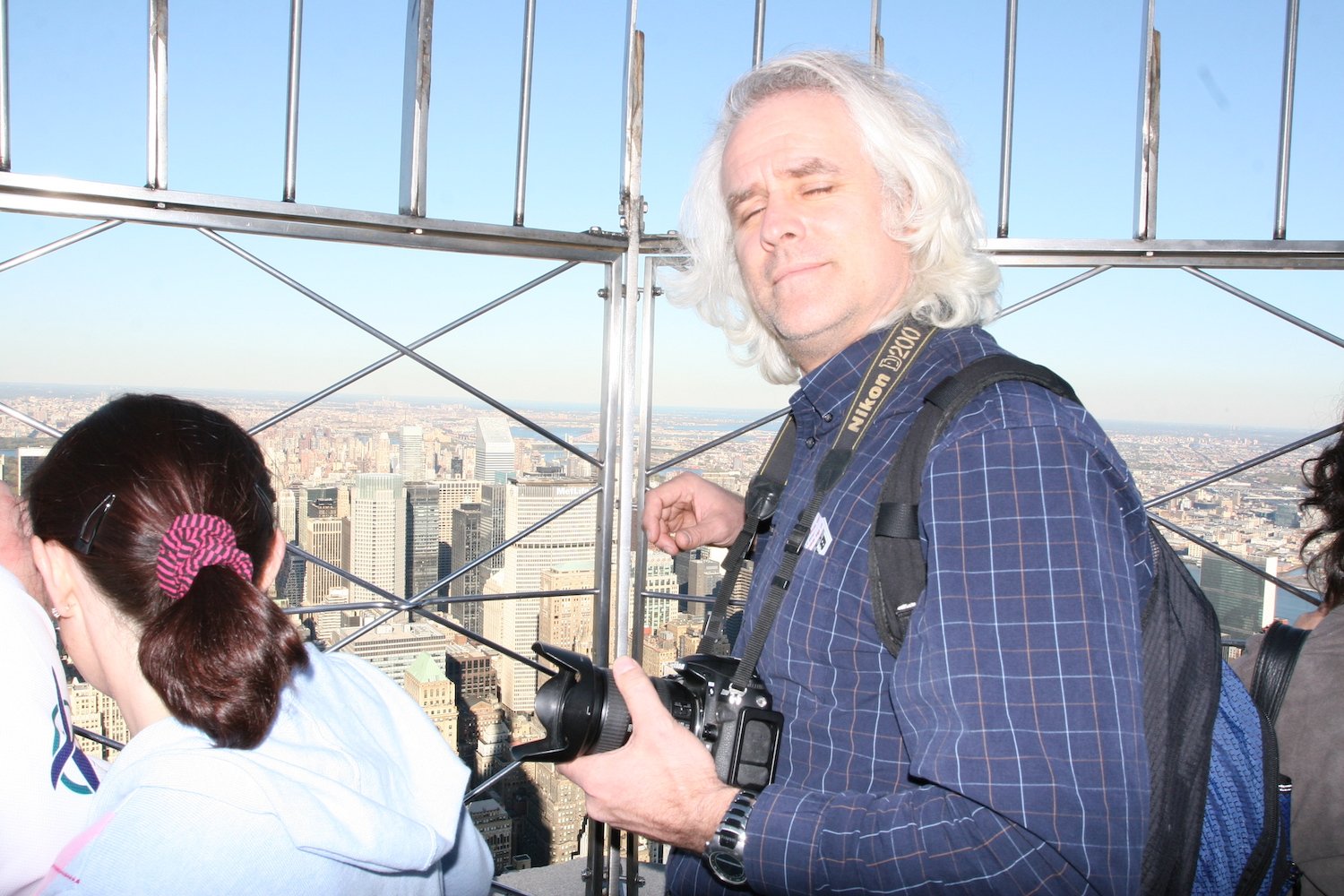
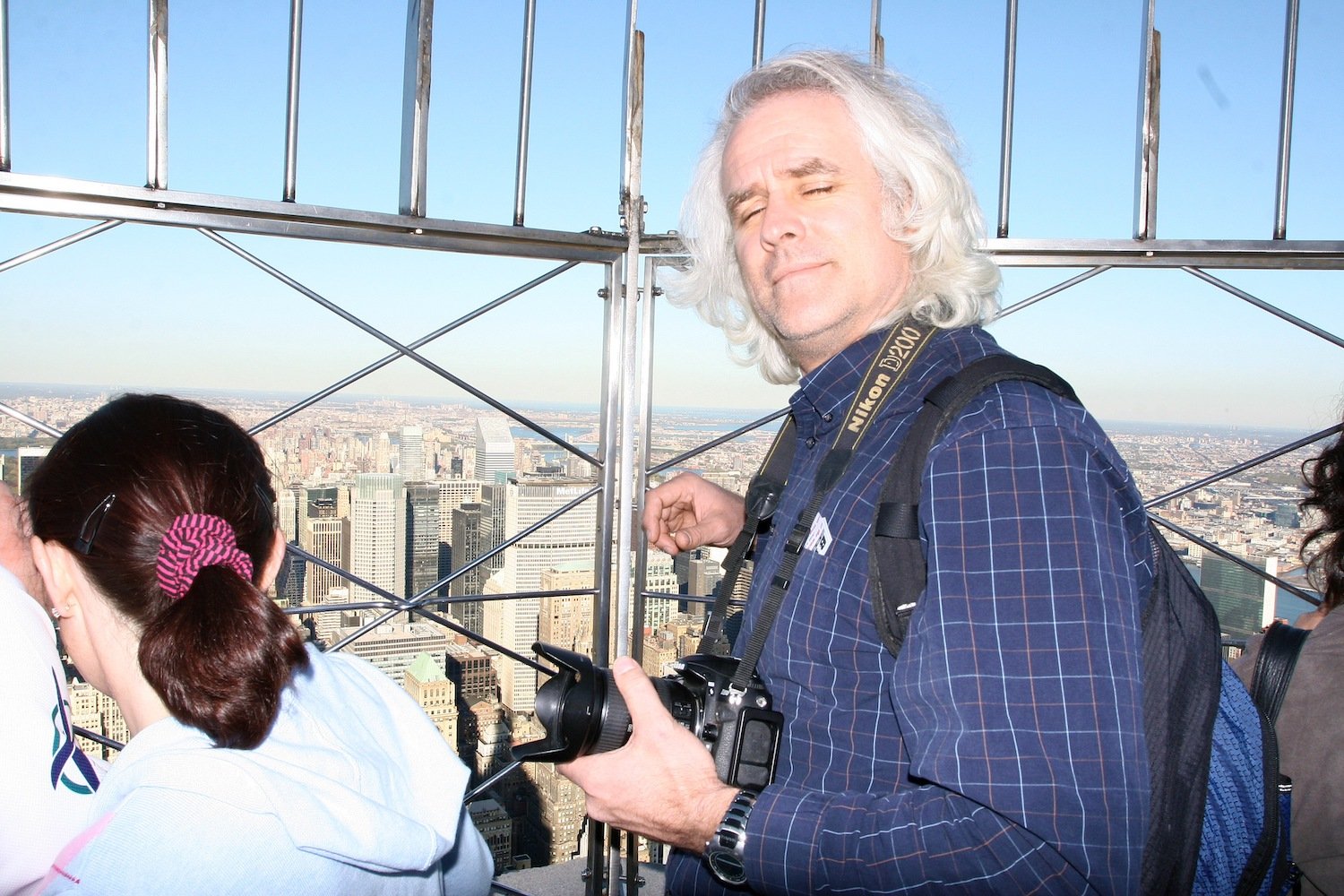
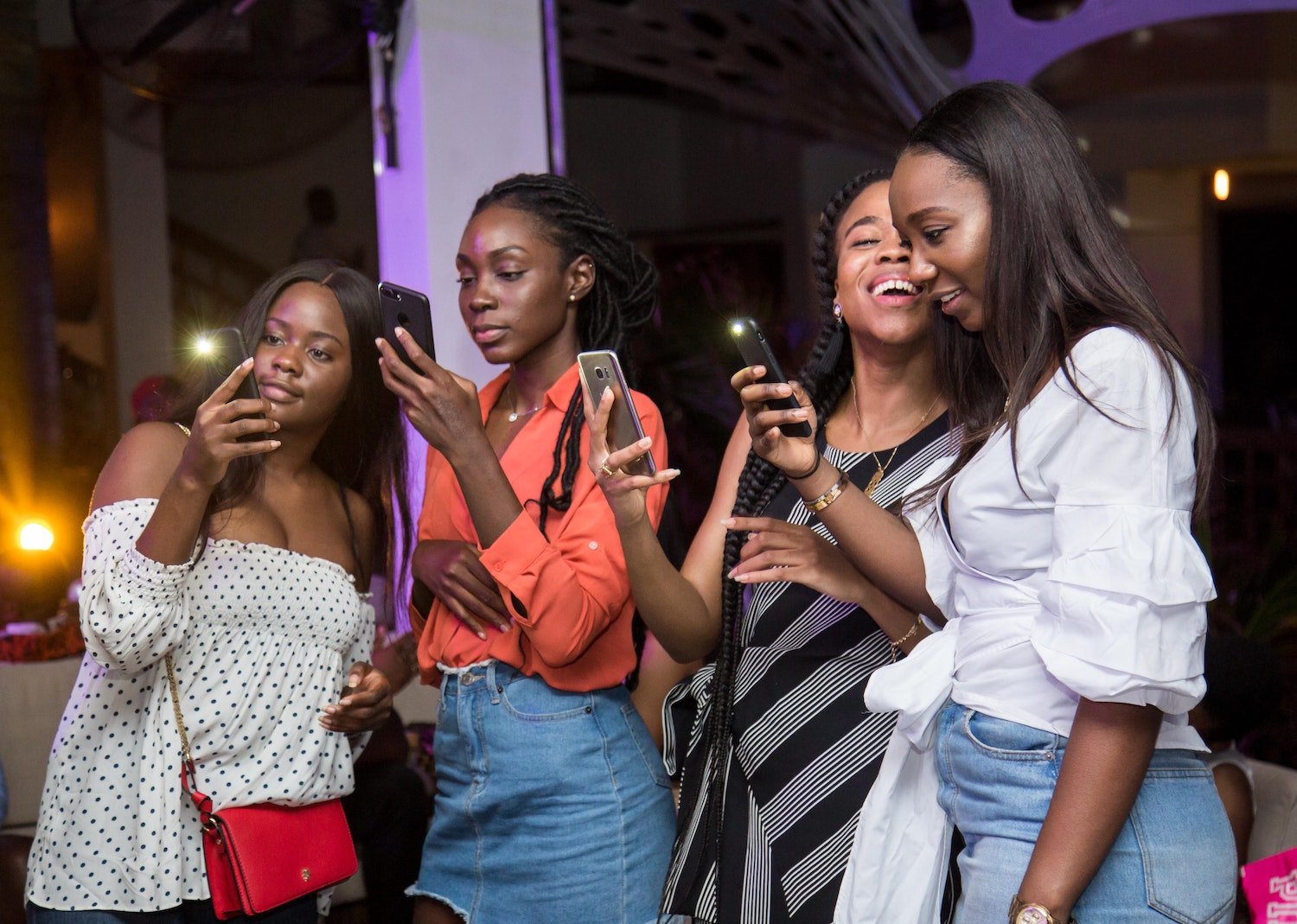
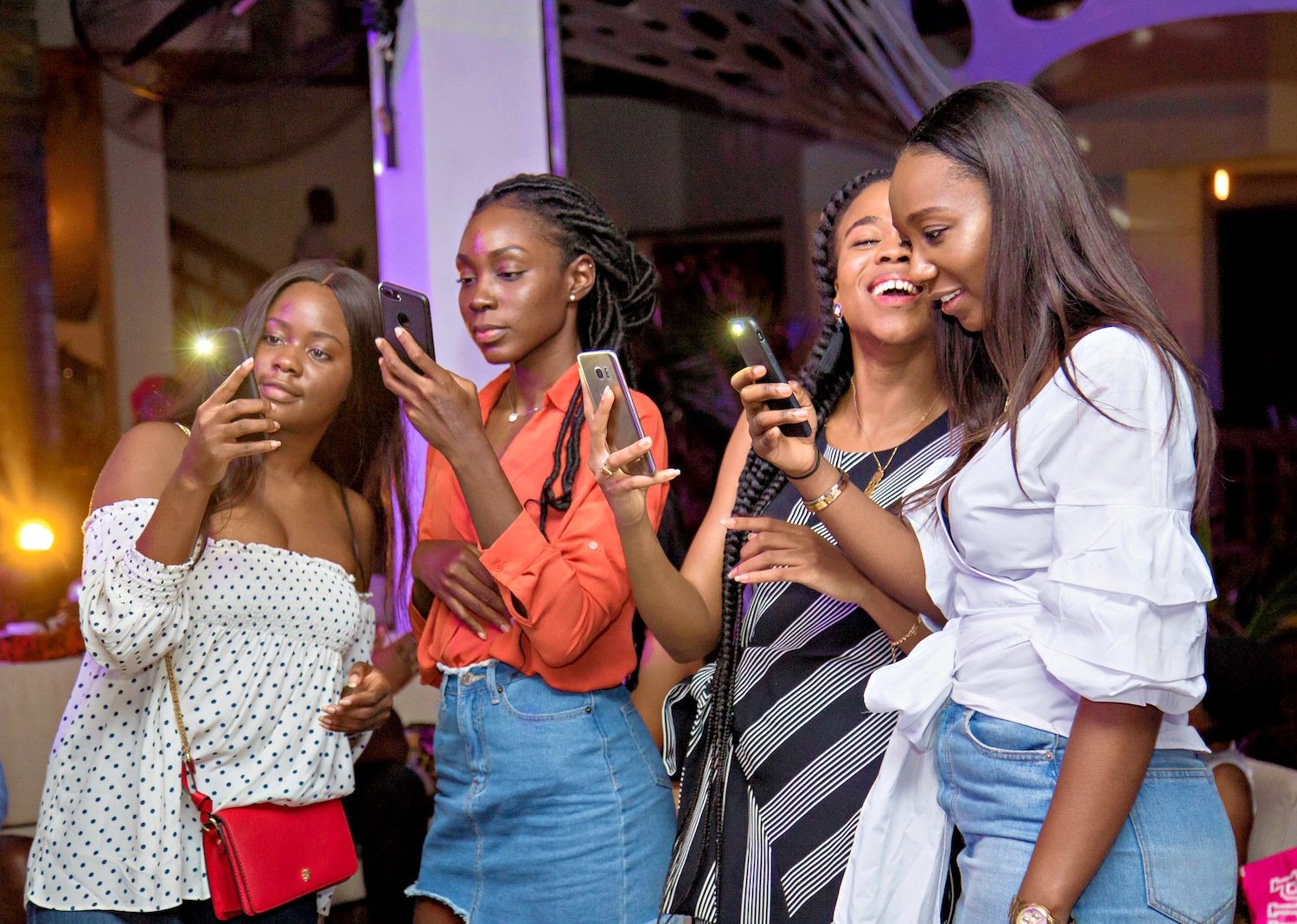
Over Exposed
- •An over exposed image has areas in the photo that are clipped or nearly clipped. These images generally contain a lot of bright white.
- •These photos can include people, but also non people.
- •The perfect balance of highlight recovery and exposure correction
- •Before
- •iAuto '21
- •AI Scene Detection
- •
- •
- •
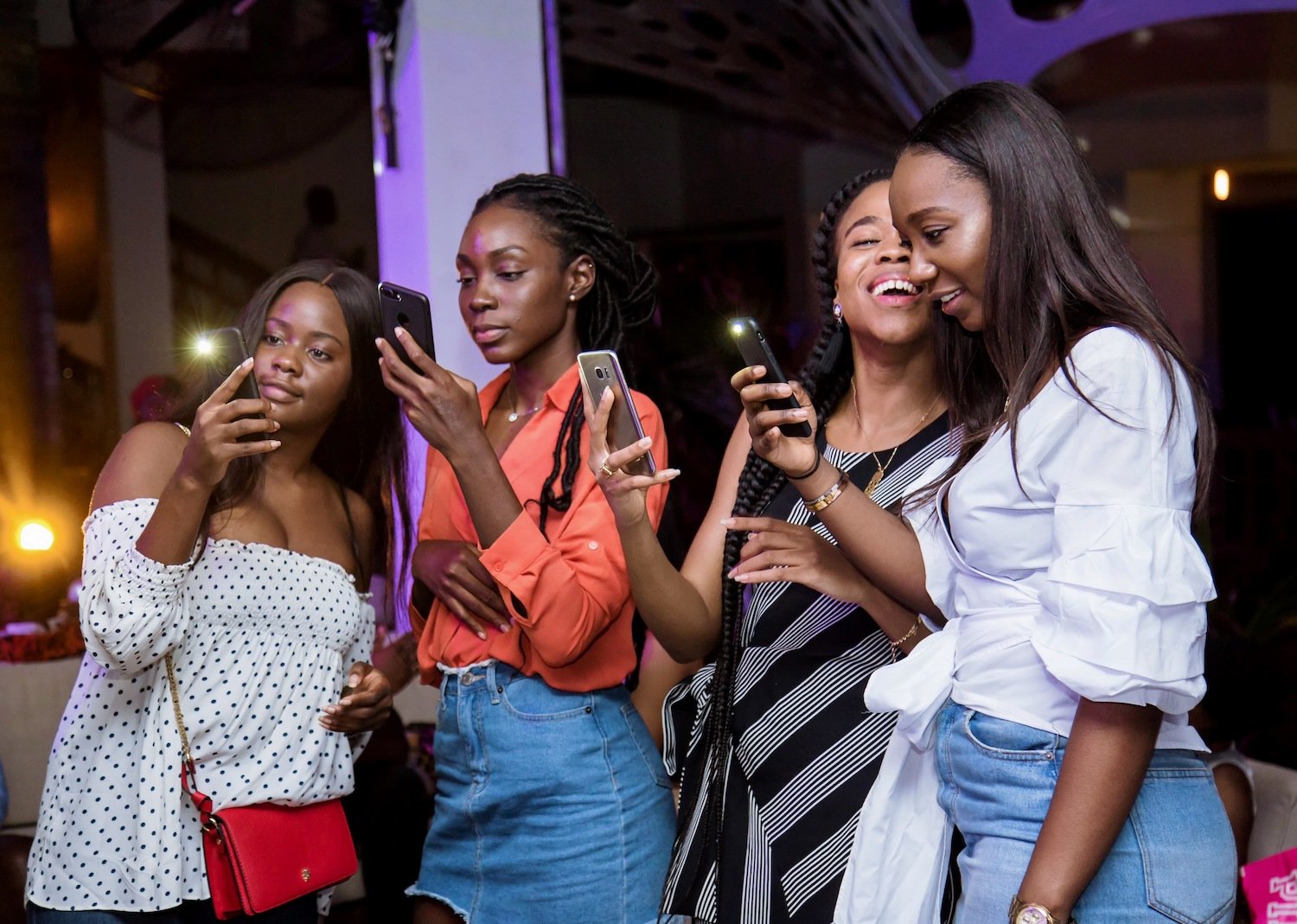
People at Night
- •A photo of people in dark areas such as bars or nightclubs.
- •Retains the lighting condition - night photos are meant to be dark!
- •Before
- •iAuto '21
- •AI Scene Detection
- •
- •
- •
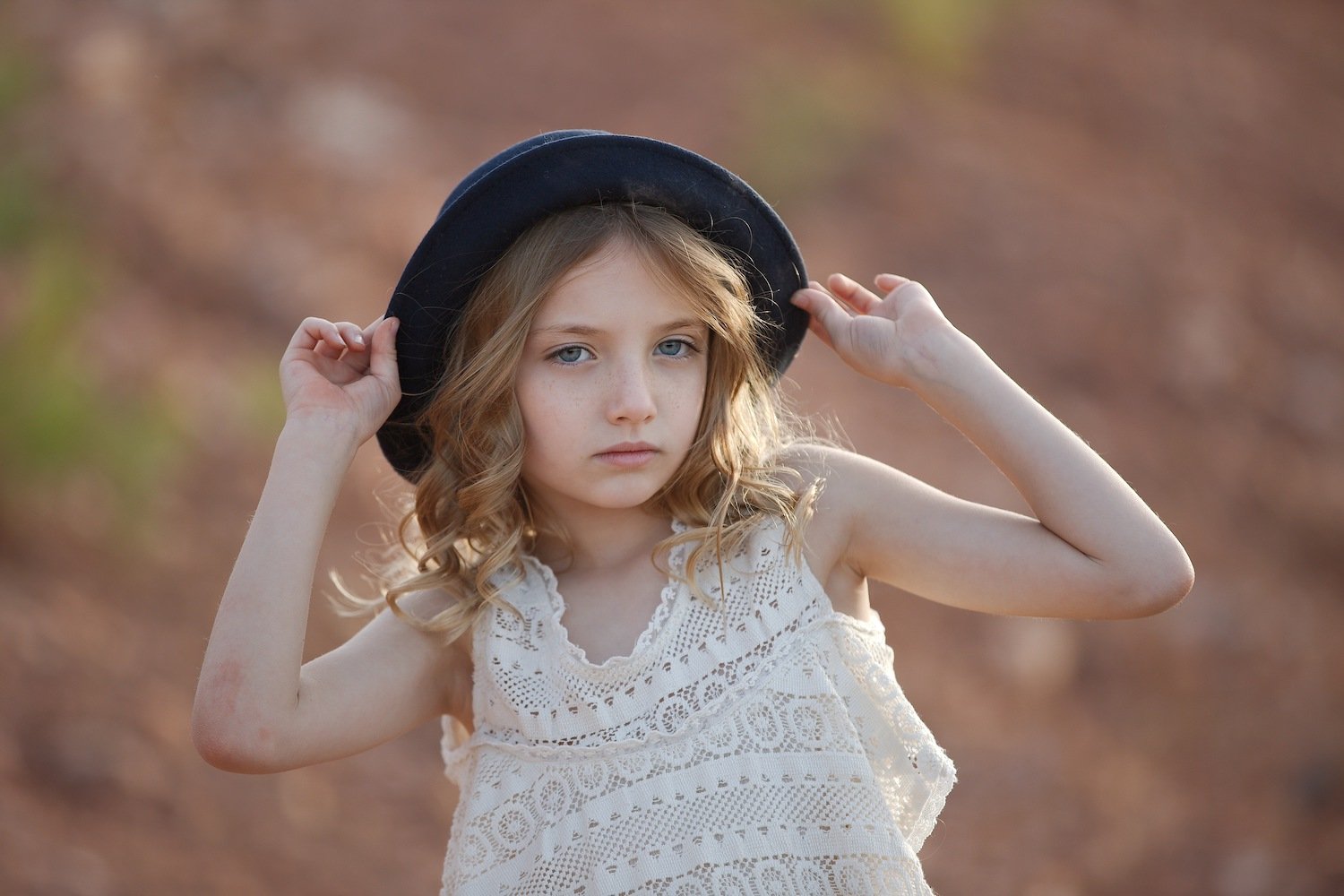
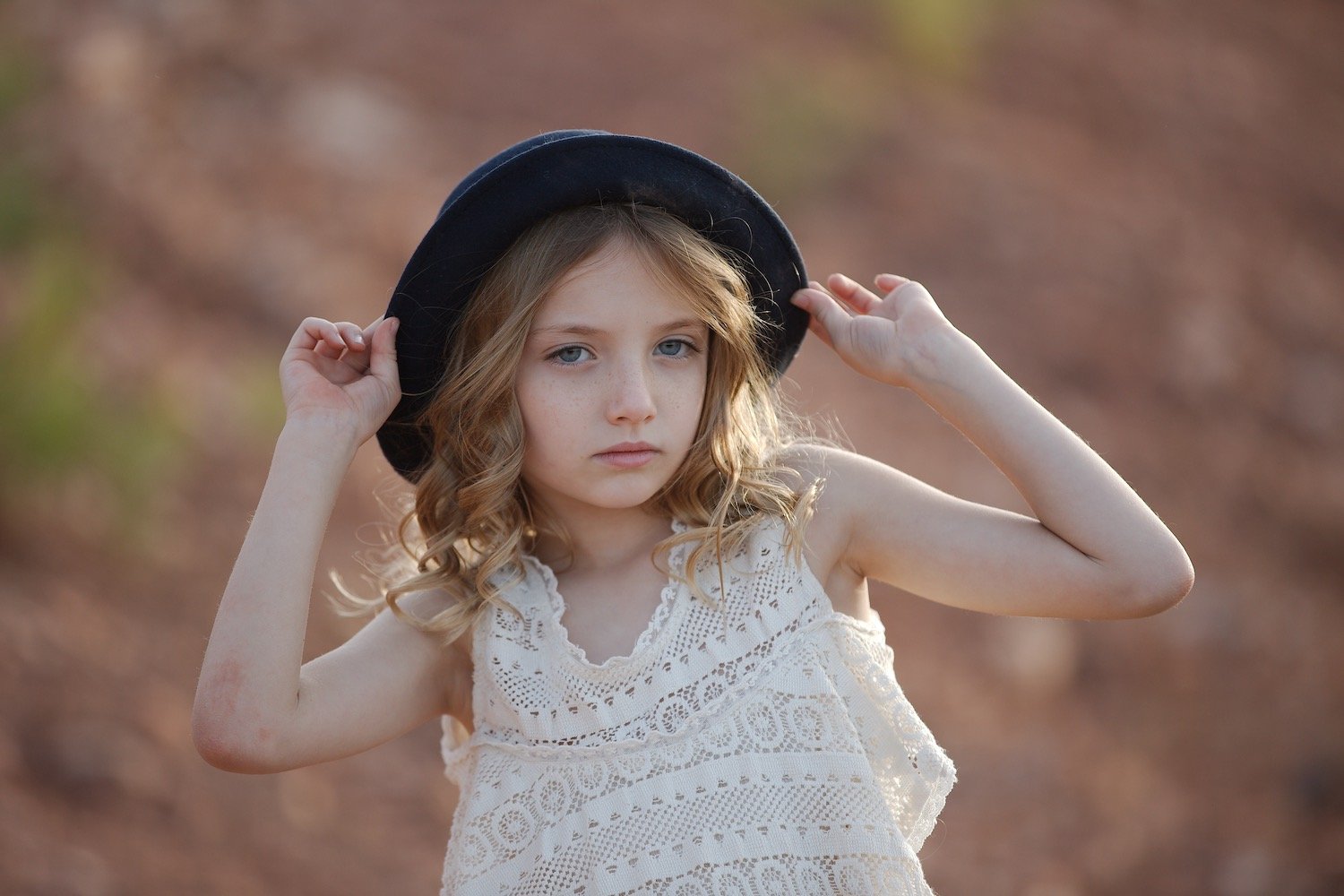
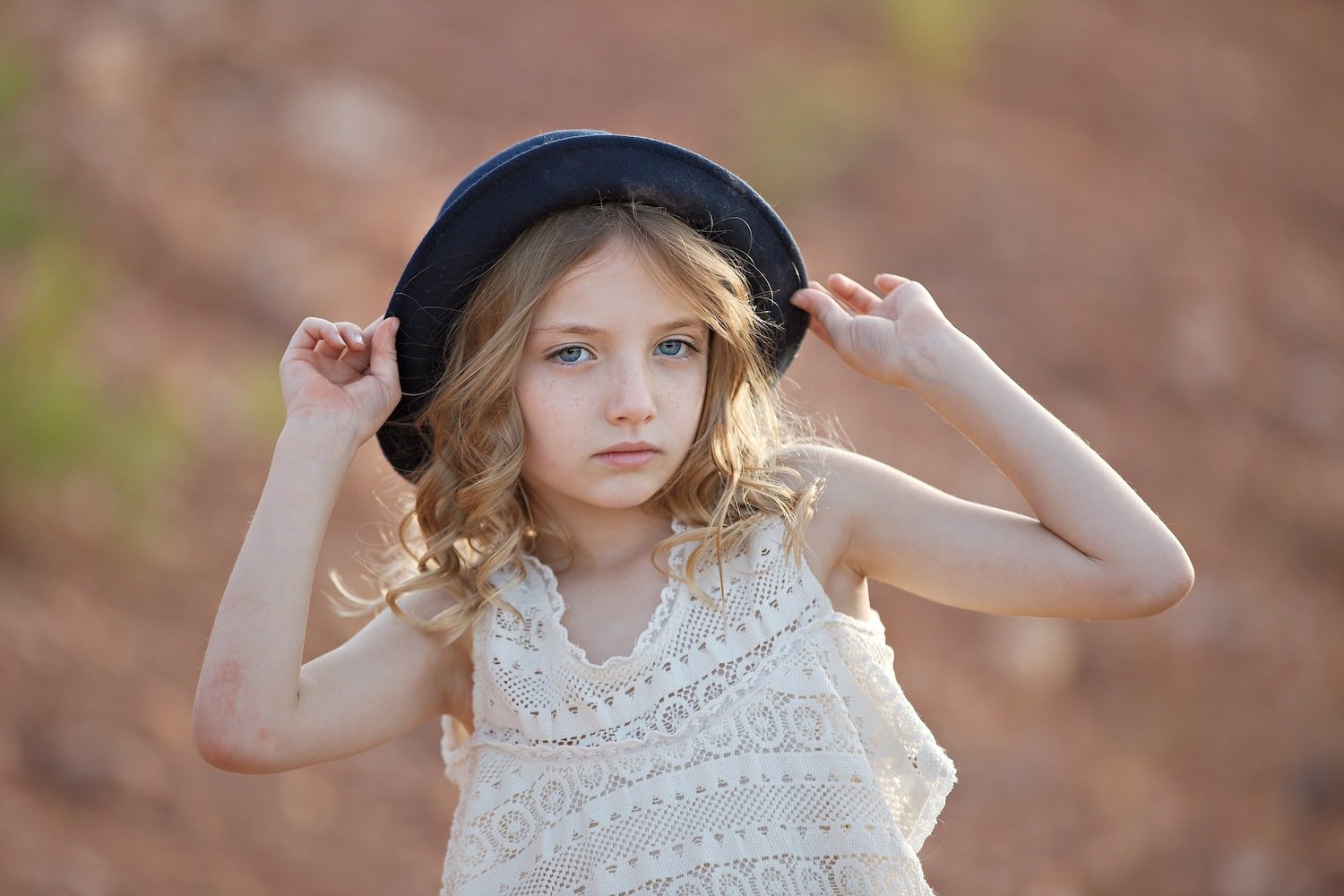
Posed Portrait
- •Professional portraits usually have their camera settings correct, therefore these images may not need as much correction as others.
- •These are defined as the head and shoulders of an individual person, similar to a headshot.
- •Before
- •iAuto '21
- •AI Scene Detection
- •
- •
- •
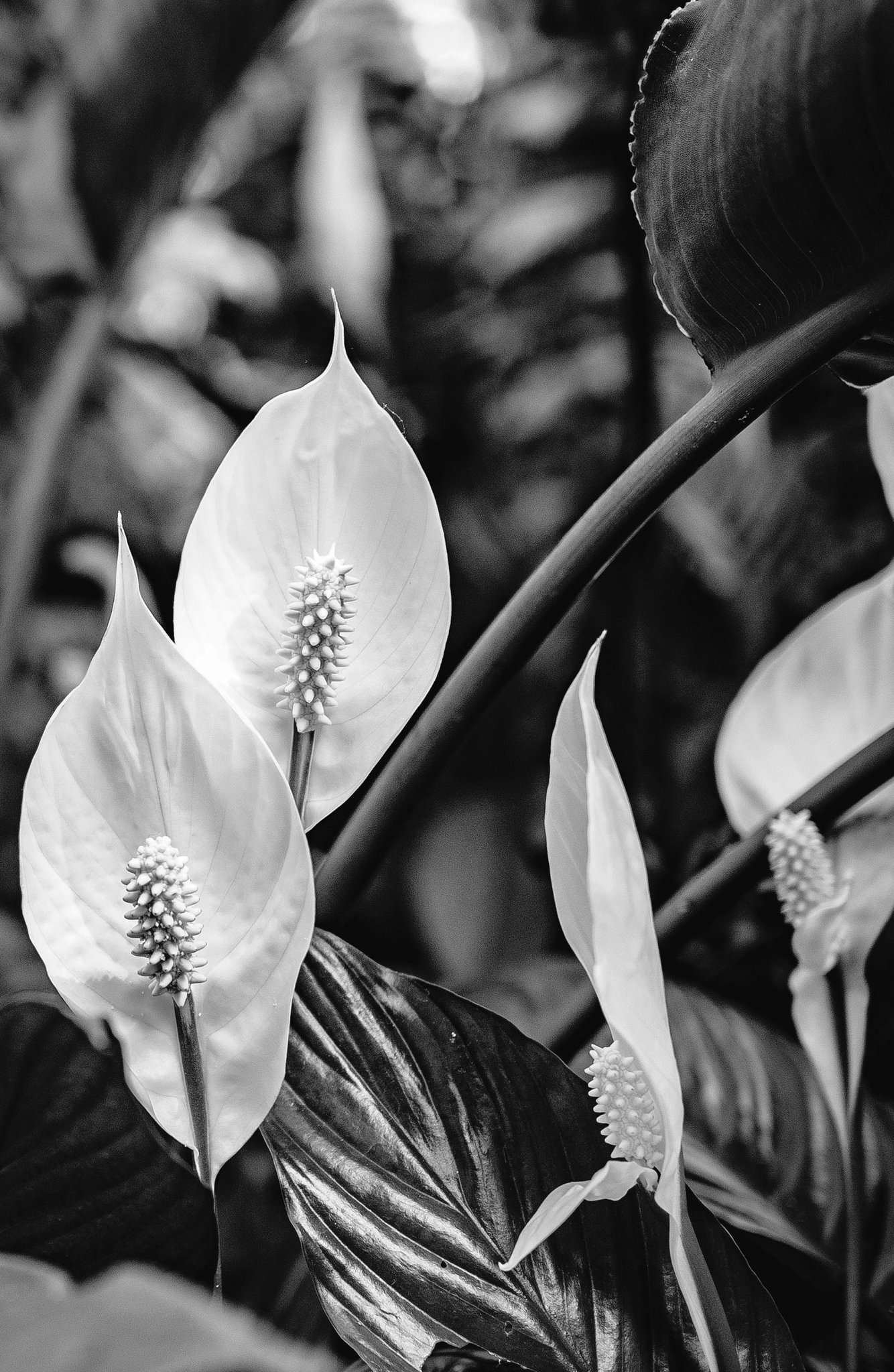
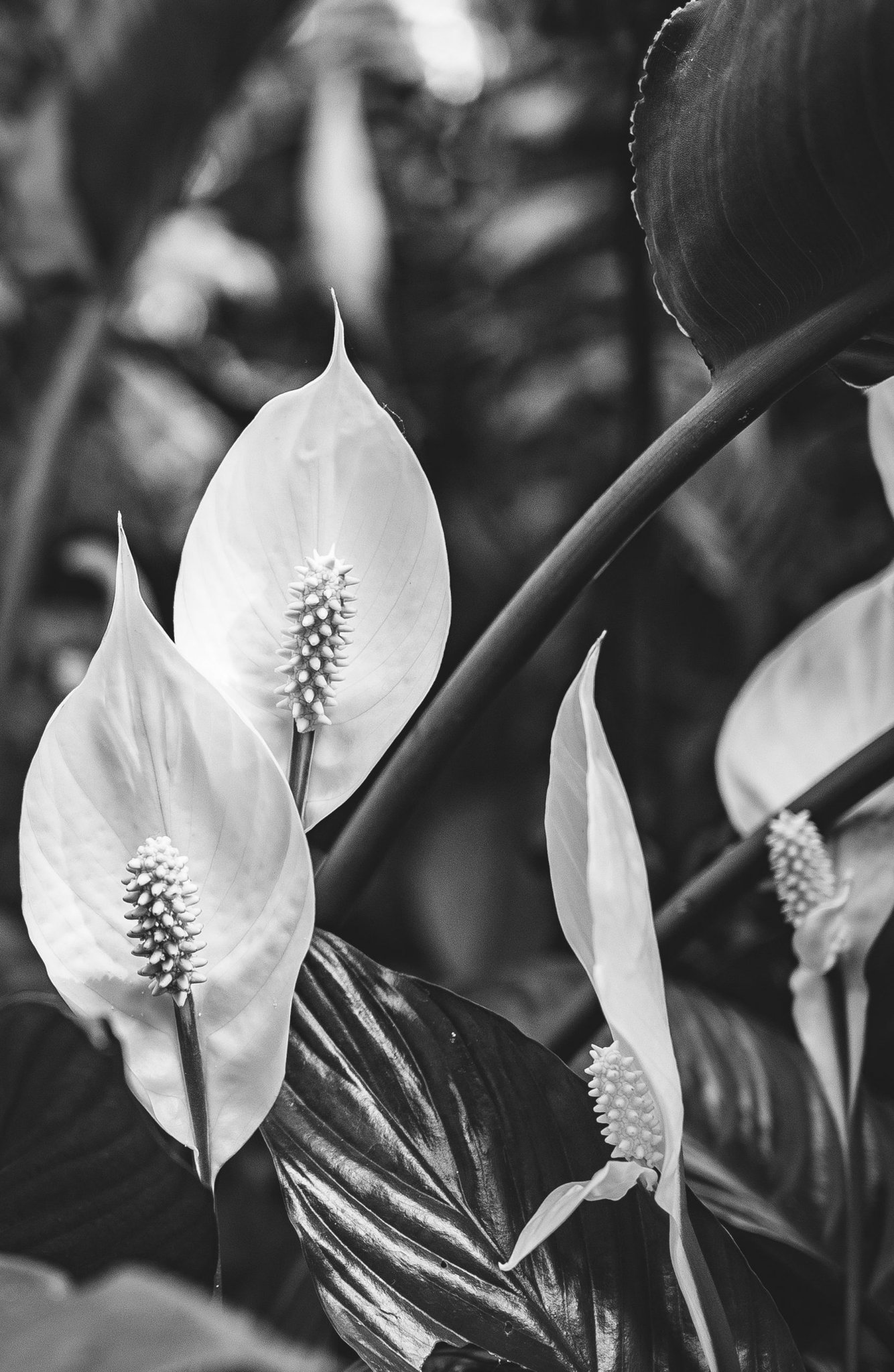
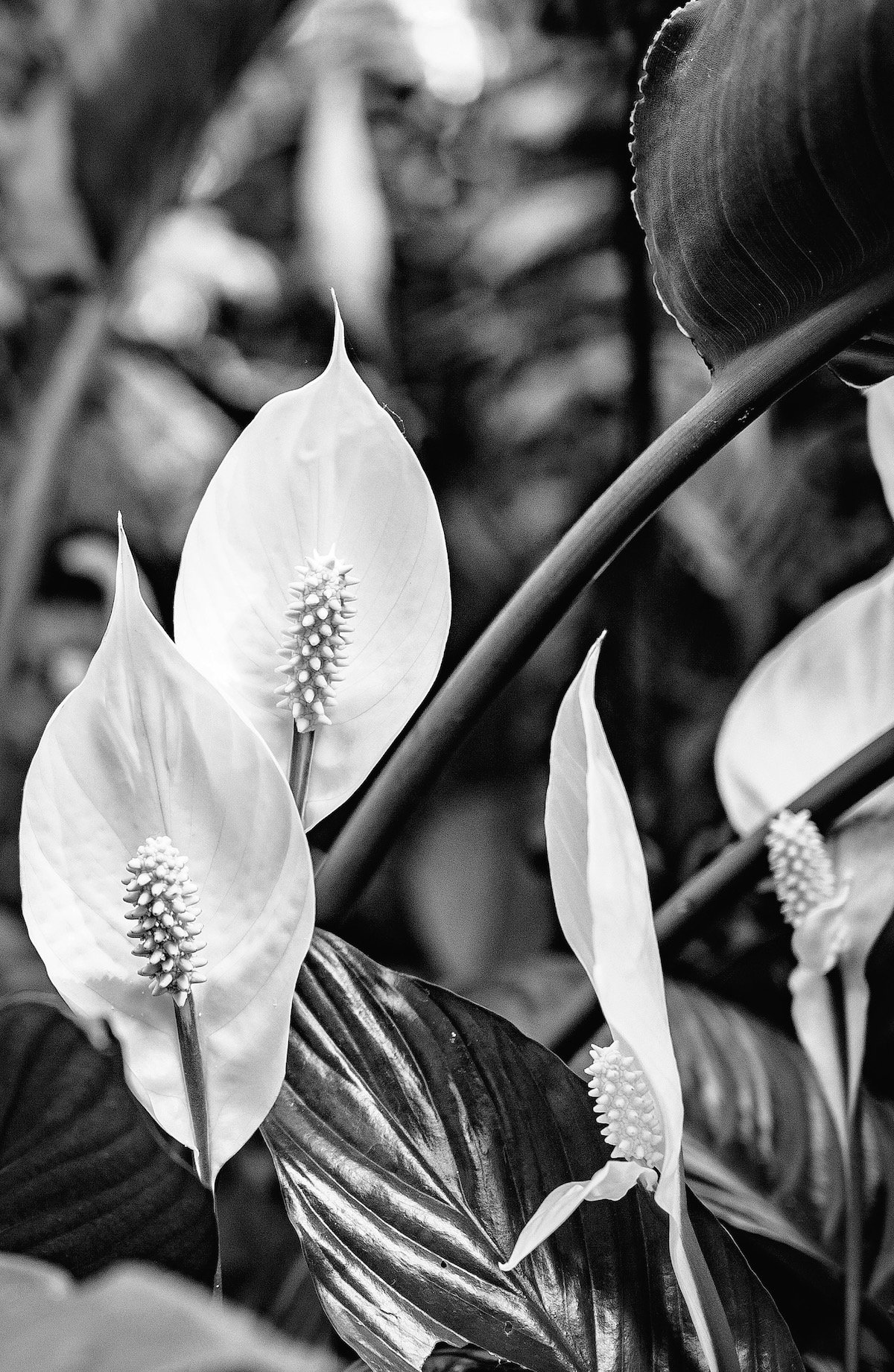
Monochrome Preset
- •Ensures that no damage occurs to black and white images that are run through Perfectly Clear.
- •Get a beautiful black and white image every time
- •Before
- •iAuto '21
- •AI Scene Detection
- •
- •
- •
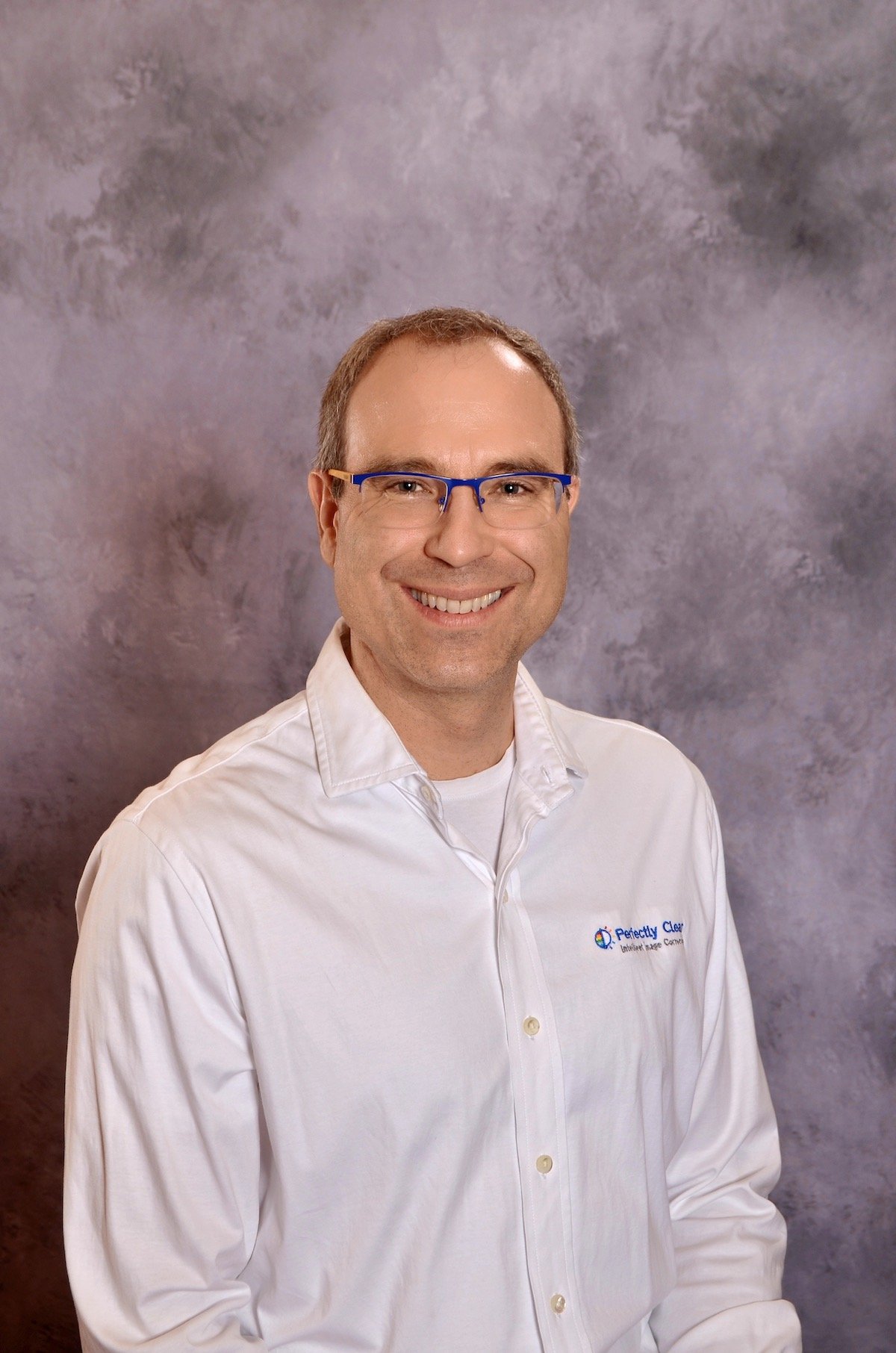
Yearbook Preset
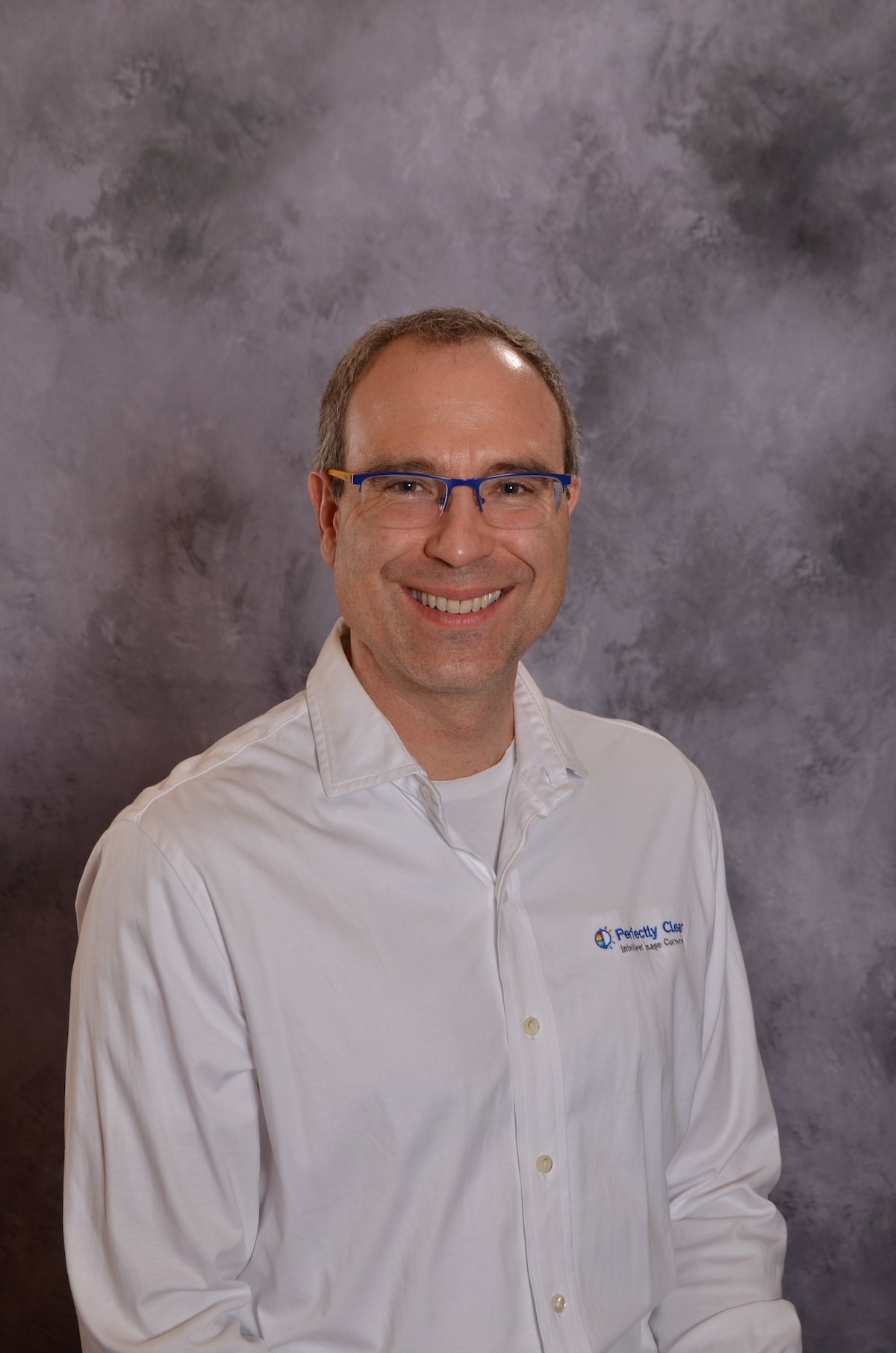
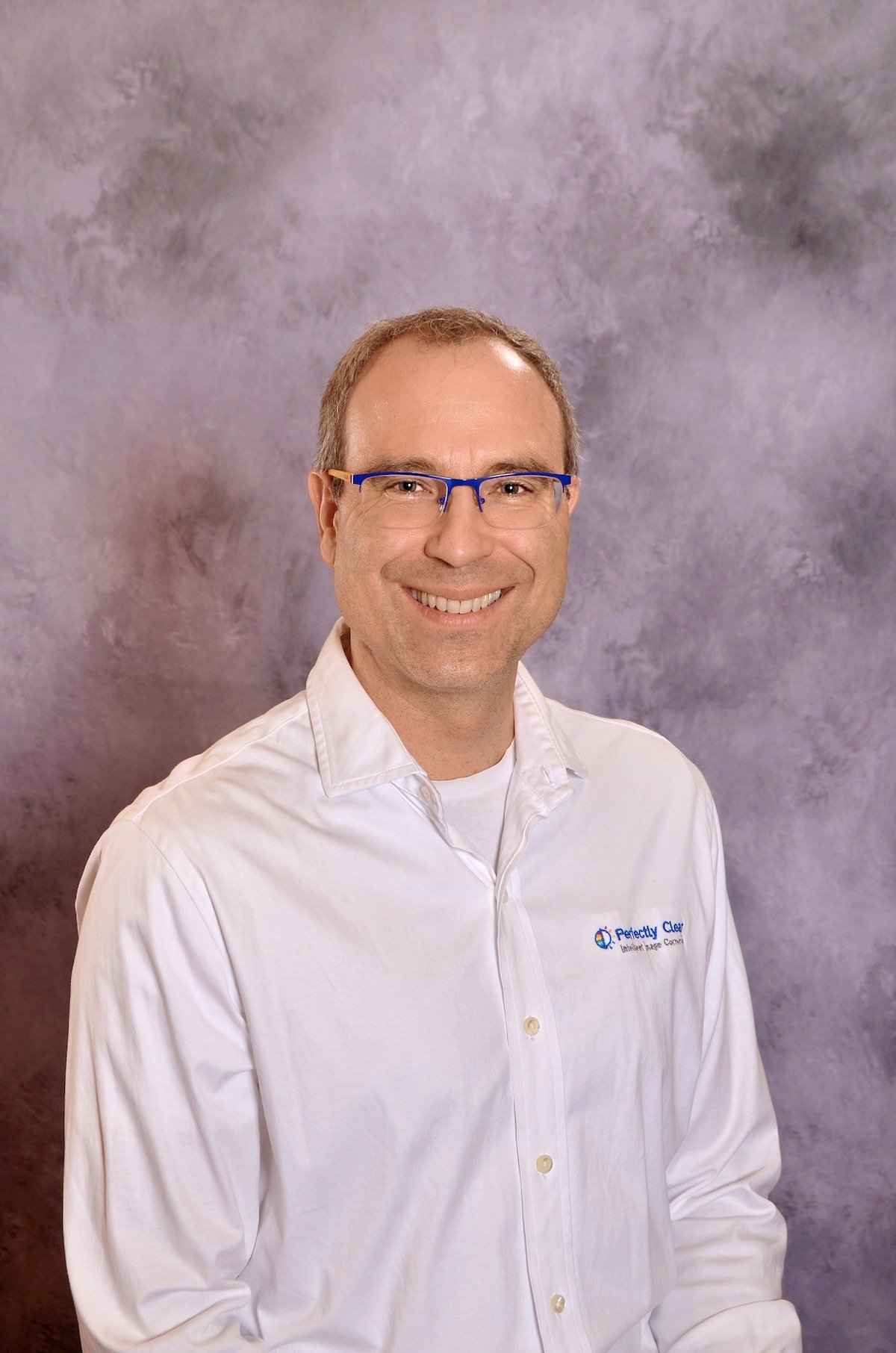
Recognize this guy?
- •A photo taken for the purpose of a yearbook. This could be a student or teacher in front of a background with only their shoulders and head in the frame.
- •Get perfect yearbook photos that parents are sure to purchase
- •Before
- •iAuto '21
- •AI Scene Detection
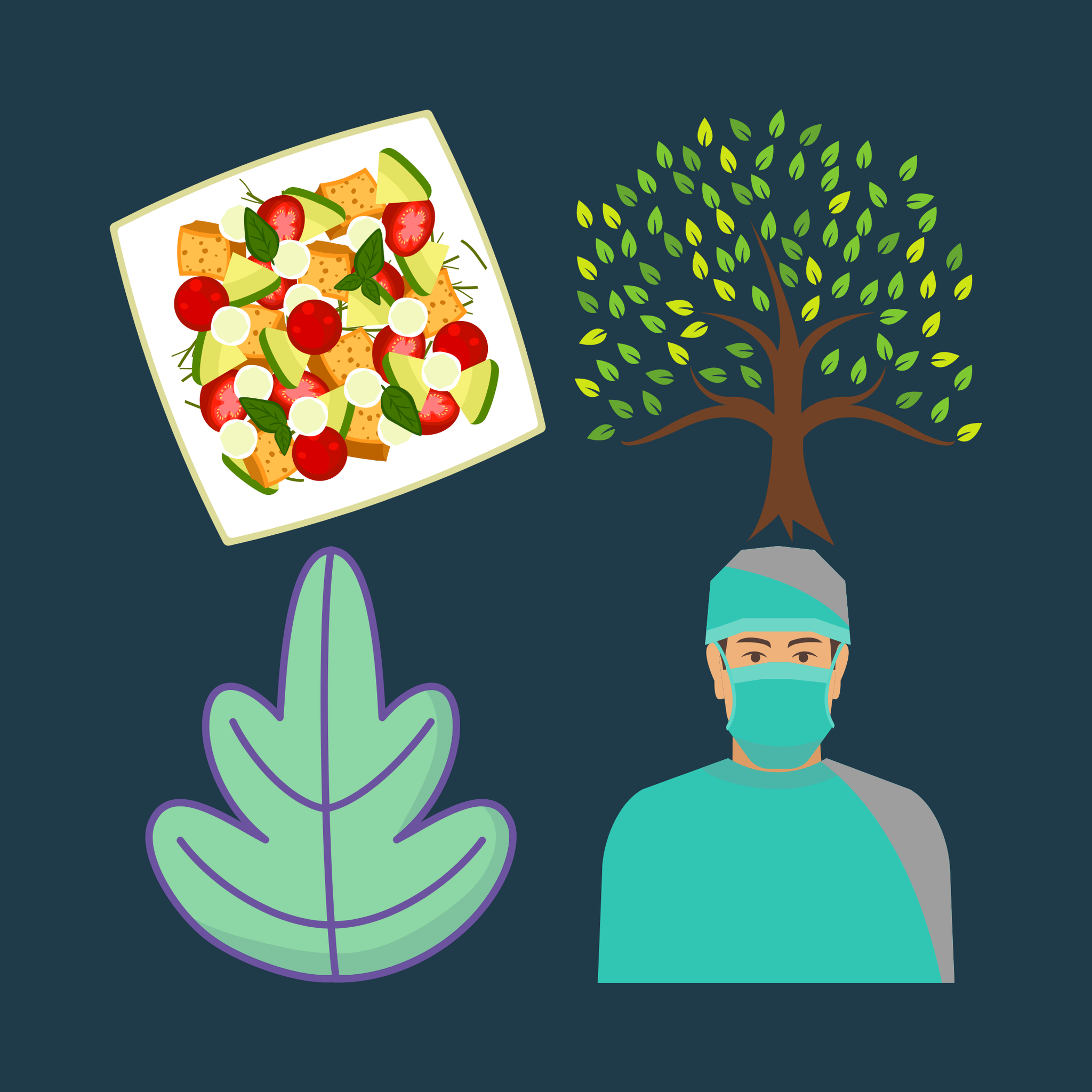
Clipart Detection
AI Scene Detection will skip over any images that aren't meant to be edited such as illustrations, vectors, and clipart.