4 New Game-Changing Features for School & Sports Photography
27 Jul 2023Kayla Chang5 min read
- News
- School & Sports
4 New Game-Changing Features for School & Sports Photography
If you’re in the business of school & sports photography, your time is worth more than gold. Our mission is to simplify your life, enabling you to focus on what truly matters. Perfectly Clear is already used by dozens of school portrait photography companies to speed up manual editing, reduce labor costs, and easily upsell to parents. Now, we’ve released four brand new updates created specifically for you:
- 1.A new AI Preset Model with targeted corrections for school & sports photos
- 2.Achieving natural, lifelike skin tones with our latest version of AI Skin Tone Accuracy
- 3.Accurate color correction with AI-powered automatic white balance
- 4.Effortless and consistent crops with our newest iteration of Auto Crop
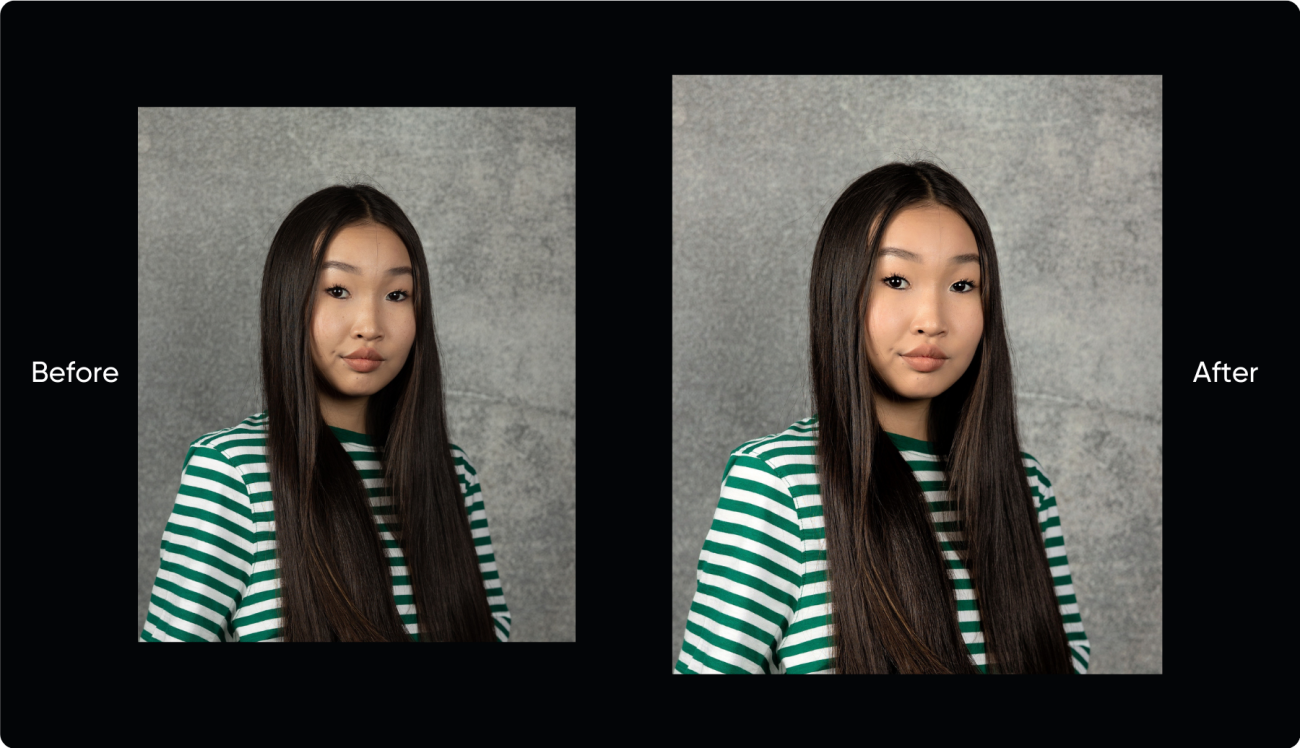
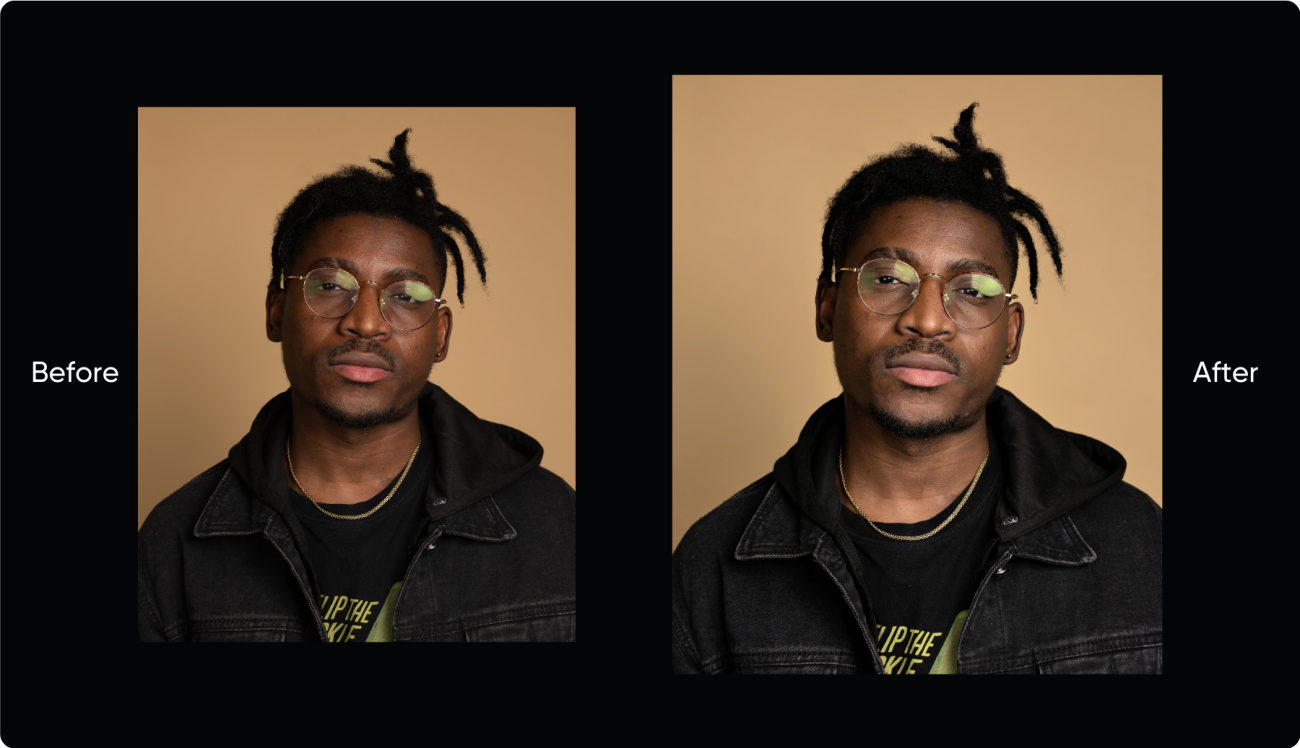
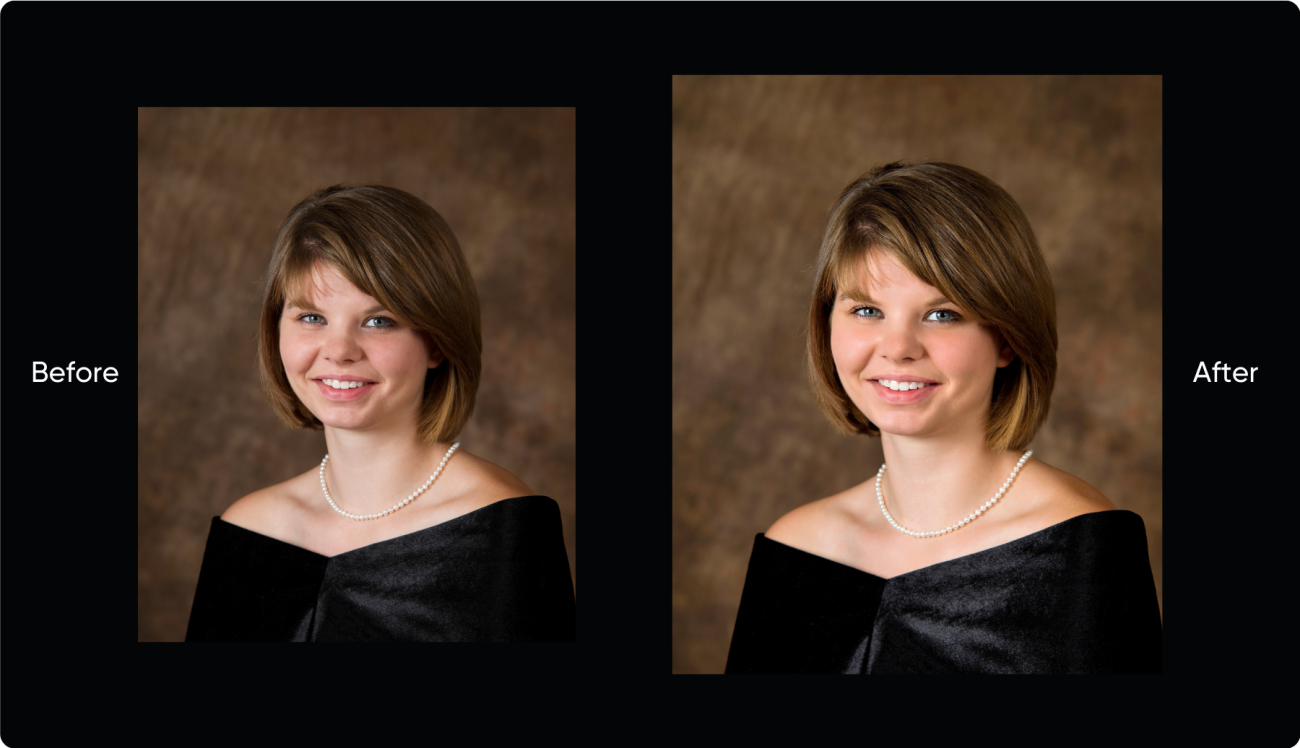
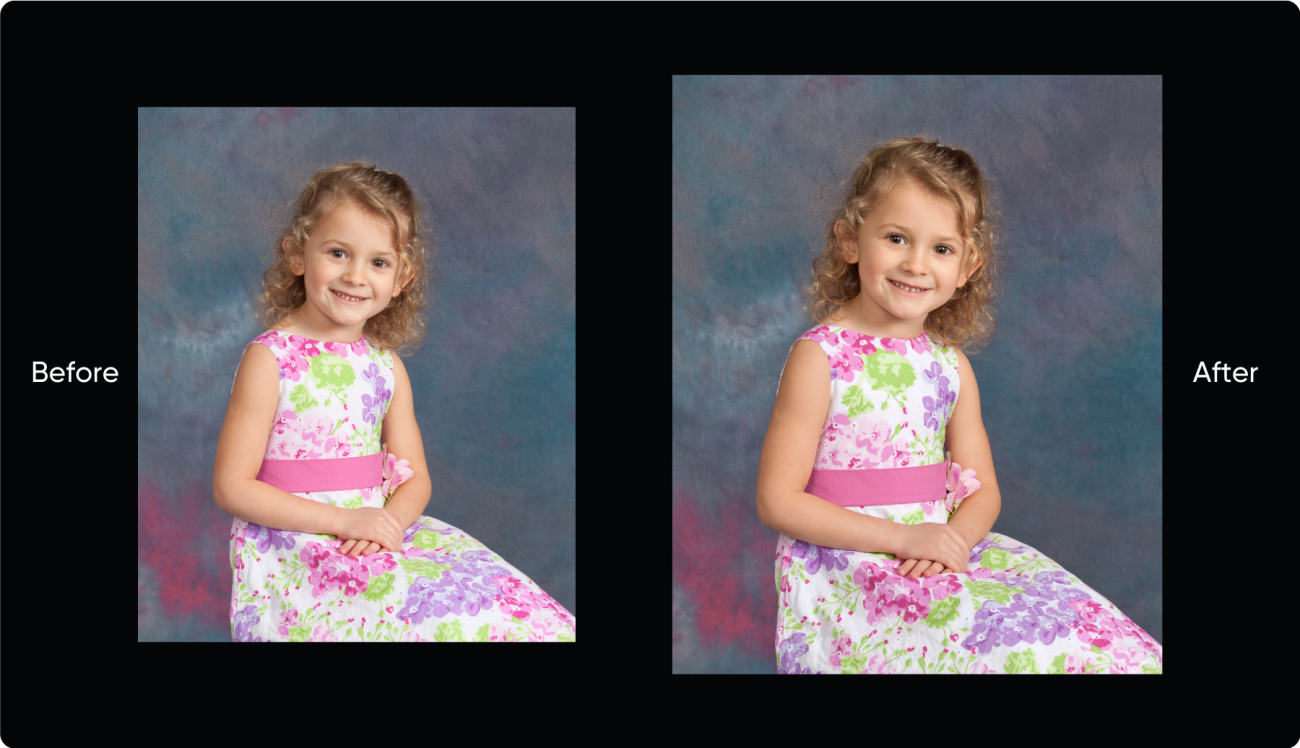
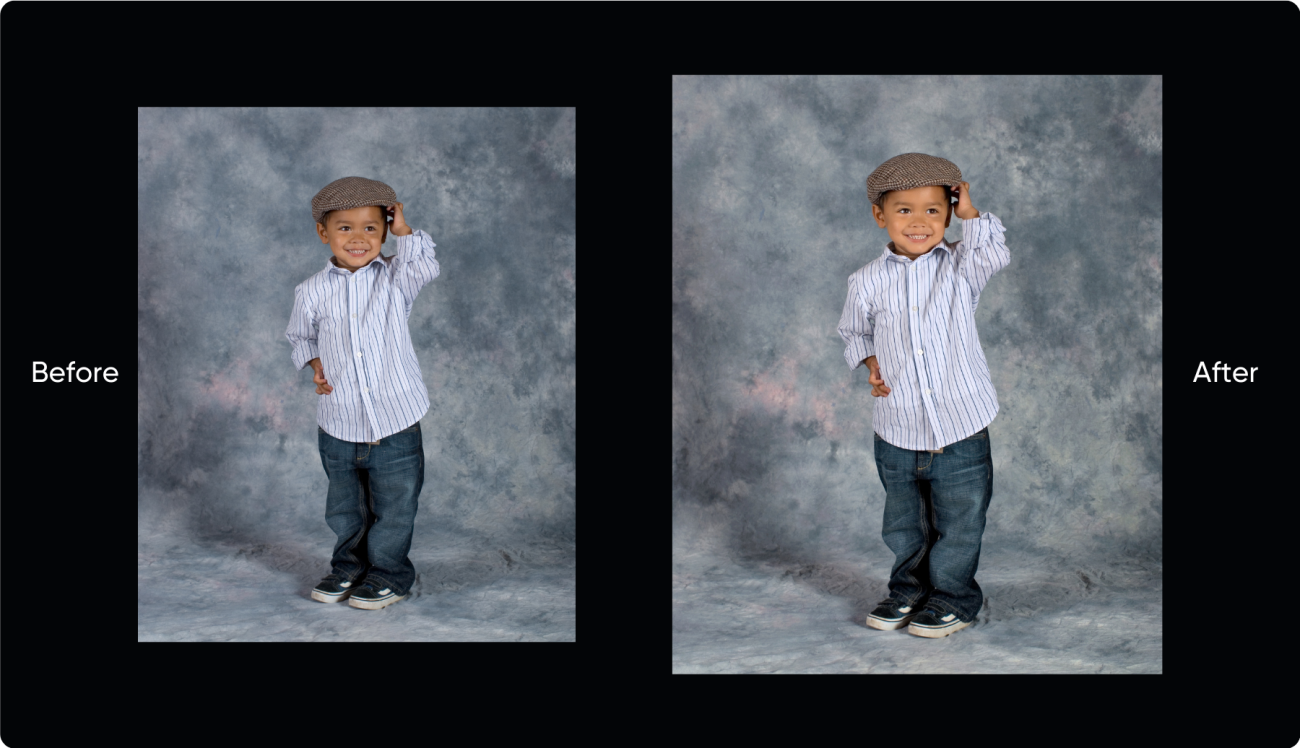
New AI Preset Model Designed Specifically for You
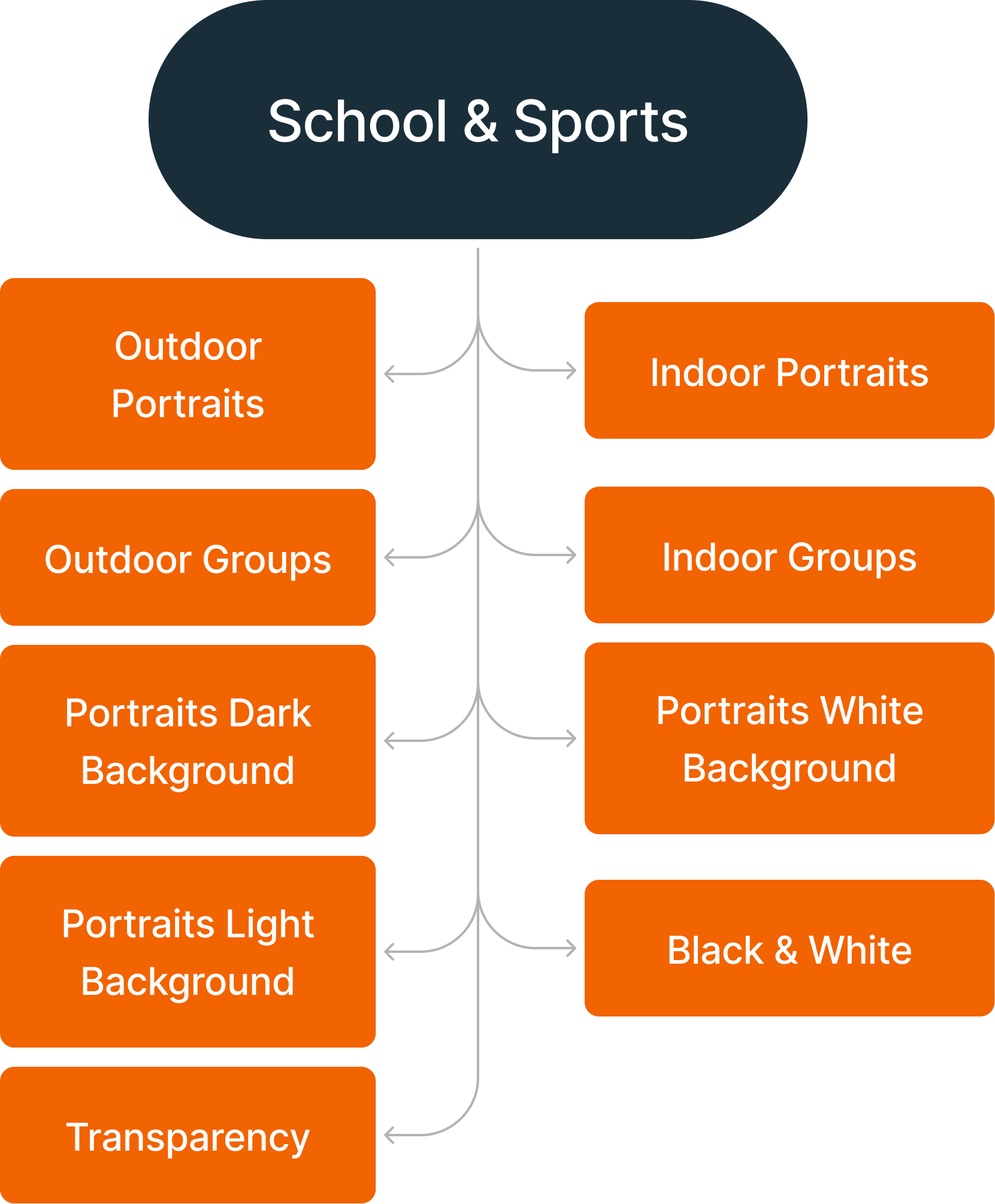
School & Sports AI Preset Selection Model
Get targeted corrections that were created specifically for school & sports photography.
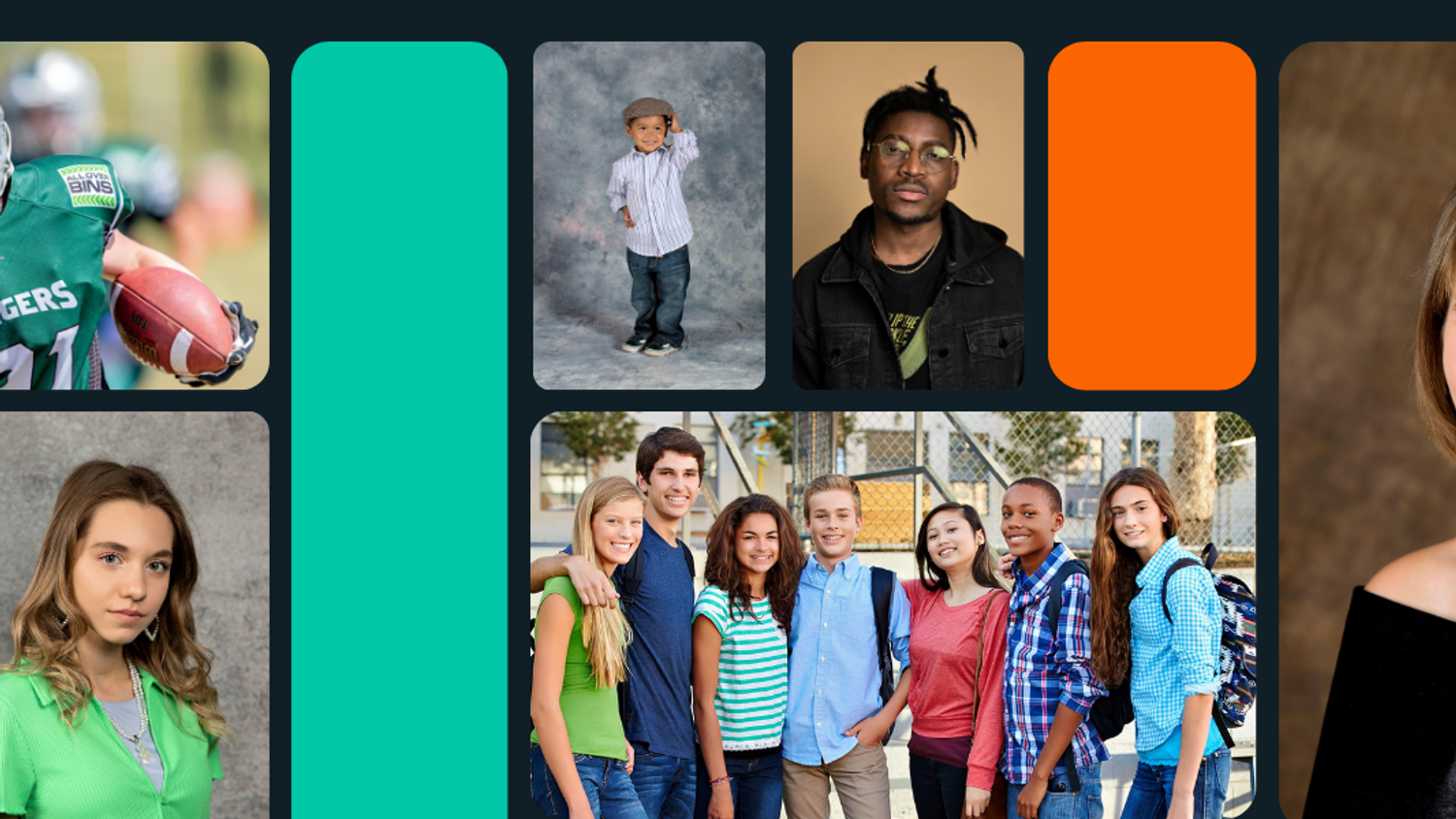
We took feedback from all of our school portrait customers and partners and created this special AI Preset Model to meet your needs. Every type of photo you work with is covered under this AI Preset Model to make sure these corrections bring out the best in your photos.
Achieving Natural, Accurate, Lifelike Skin Tones
AI Skin Tone Accuracy

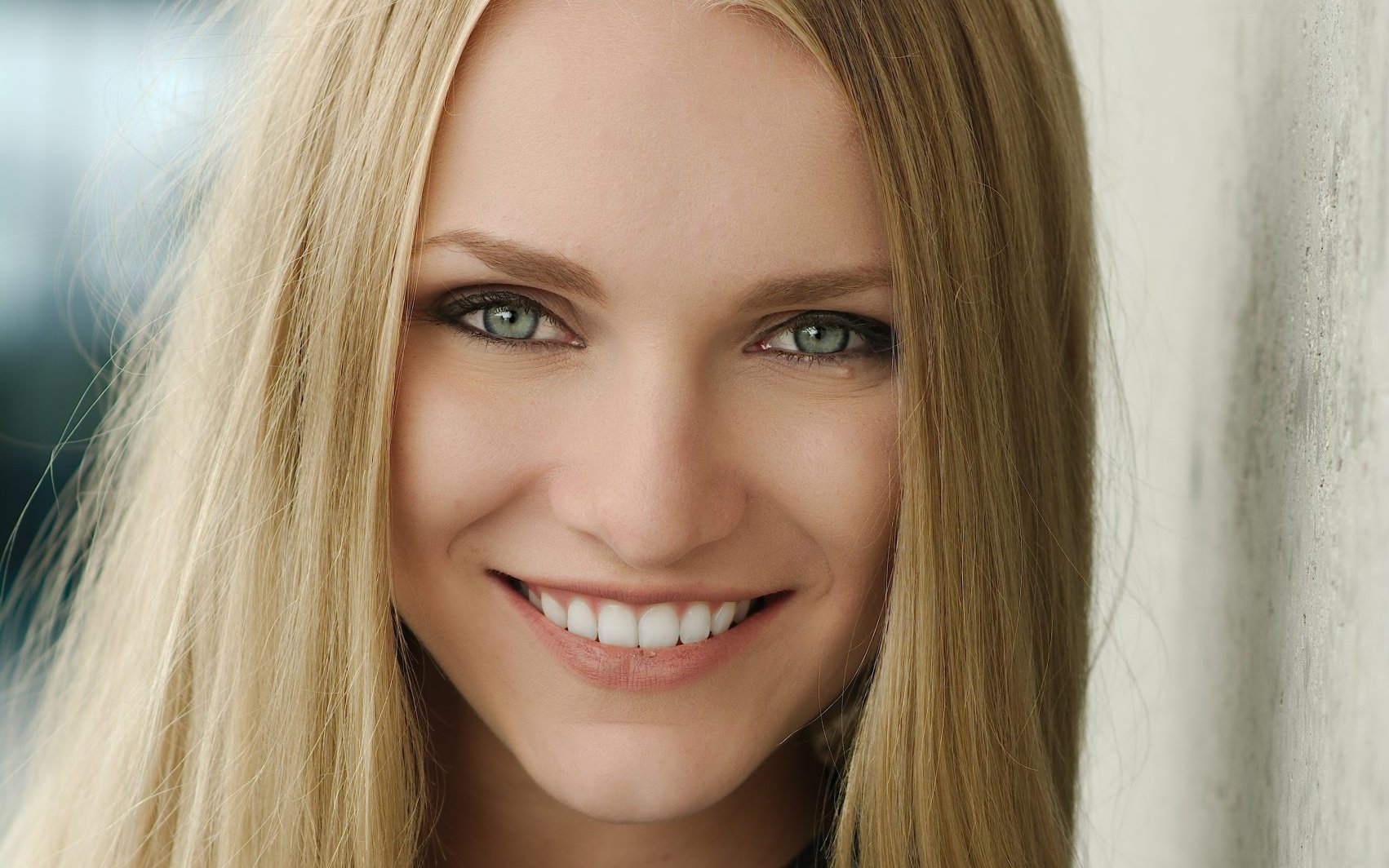
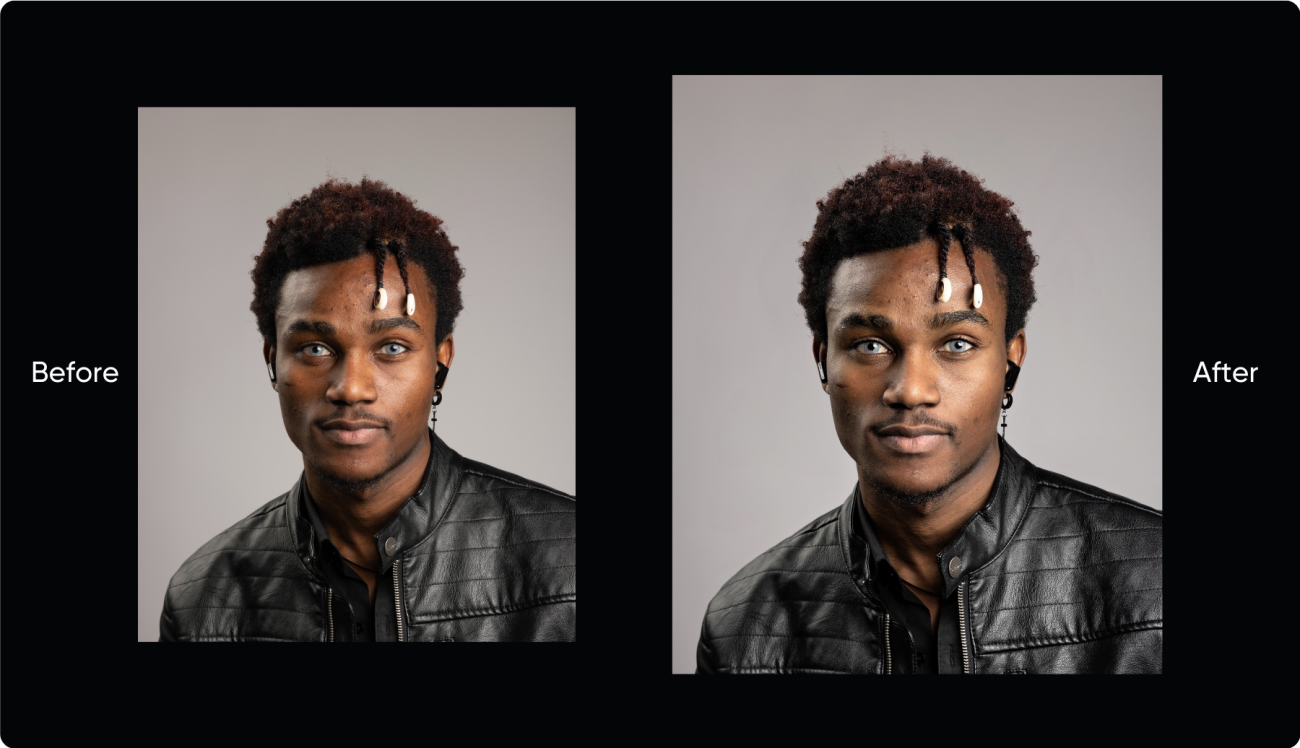
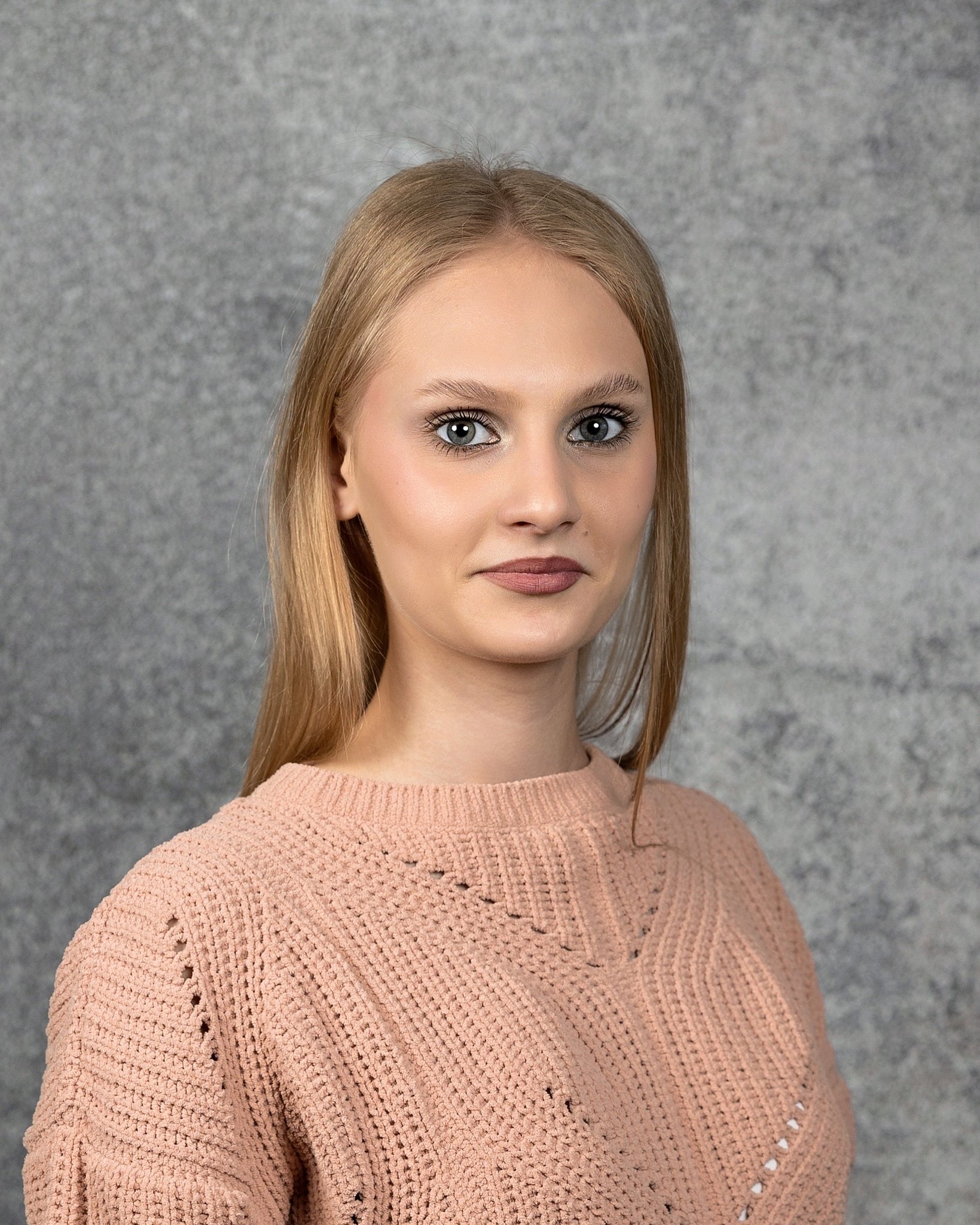
We’re excited to release our newest iteration of AI Skin Tone Accuracy that achieves natural, lifelike skin tones no matter the shade.
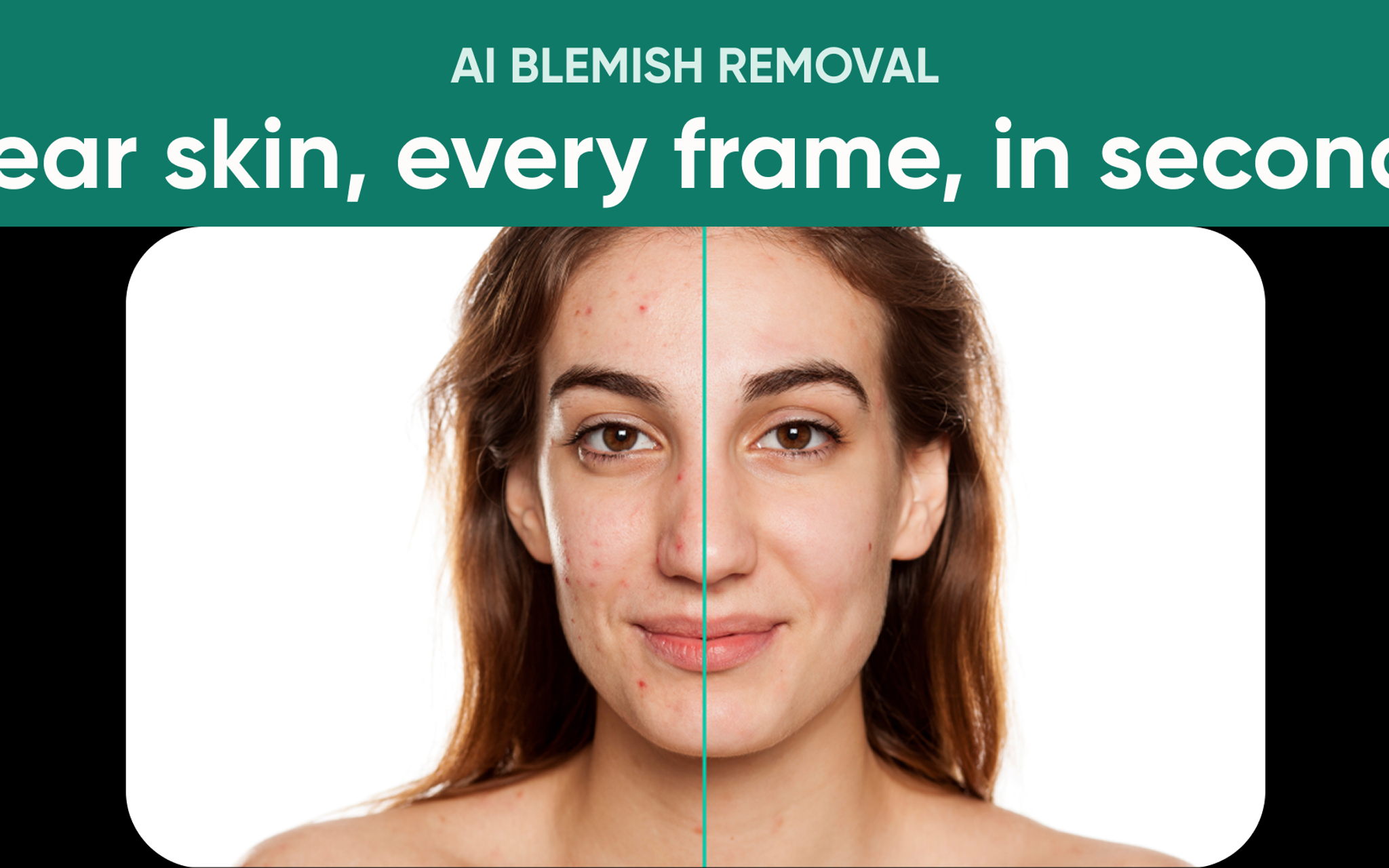
We recognize the profound impact of photography on our perception of the world and ourselves — each captured moment is a timeless memory. Accurately representing skin tones is a huge part of this. Cameras are notorious for picking up infrared on faces, especially on darker skin tones. Often, pale skin looks too green or gray.
This new version of AI Skin Tone Accuracy was years in the making and ensures accurate skin tones across the entire range of complexions. We analyze each image, detect & categorize skin tone, and apply targeted correction based on that specific skin tone’s needs.
Accurate Color Correction with Automatic White Balance
AI White Balance
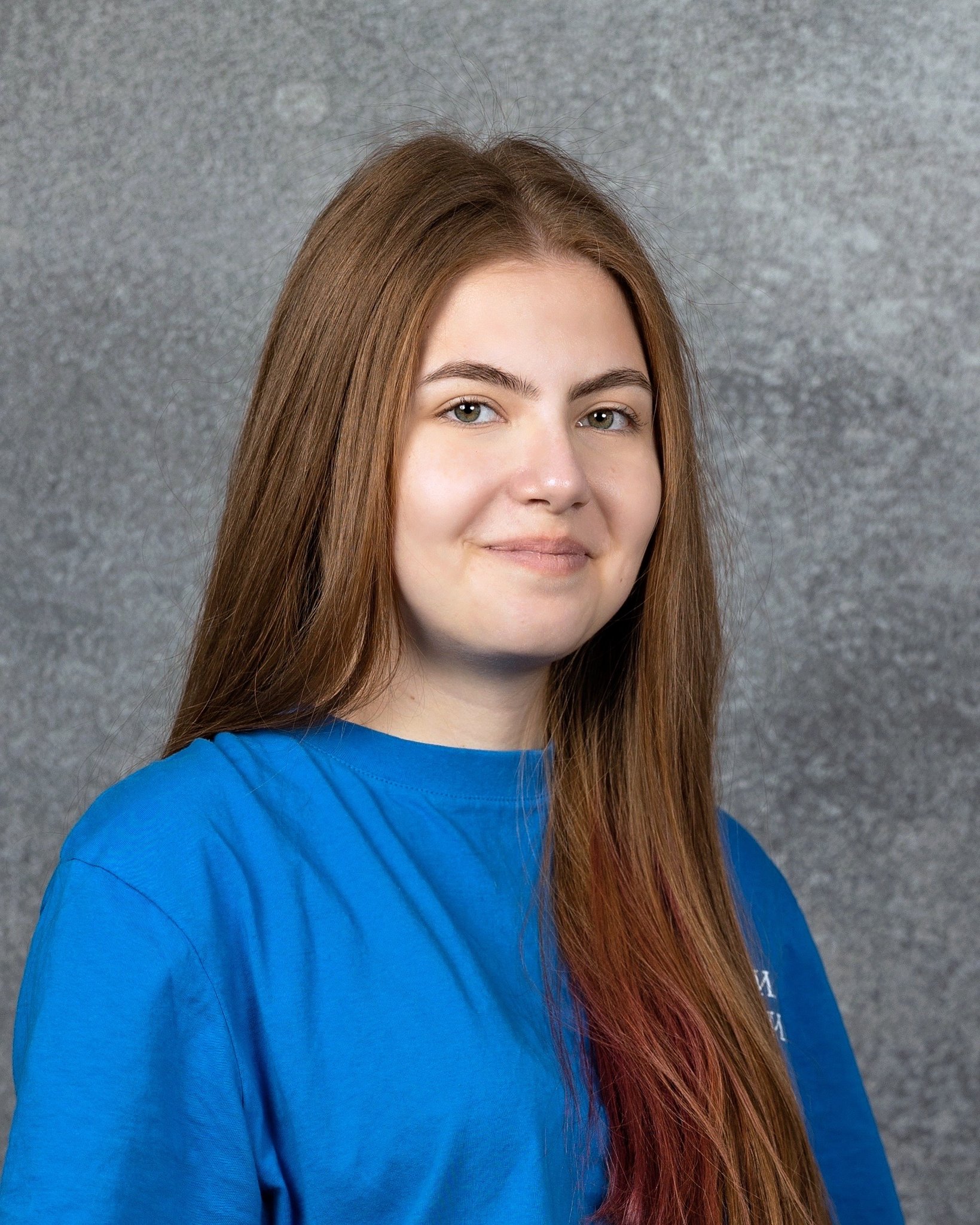
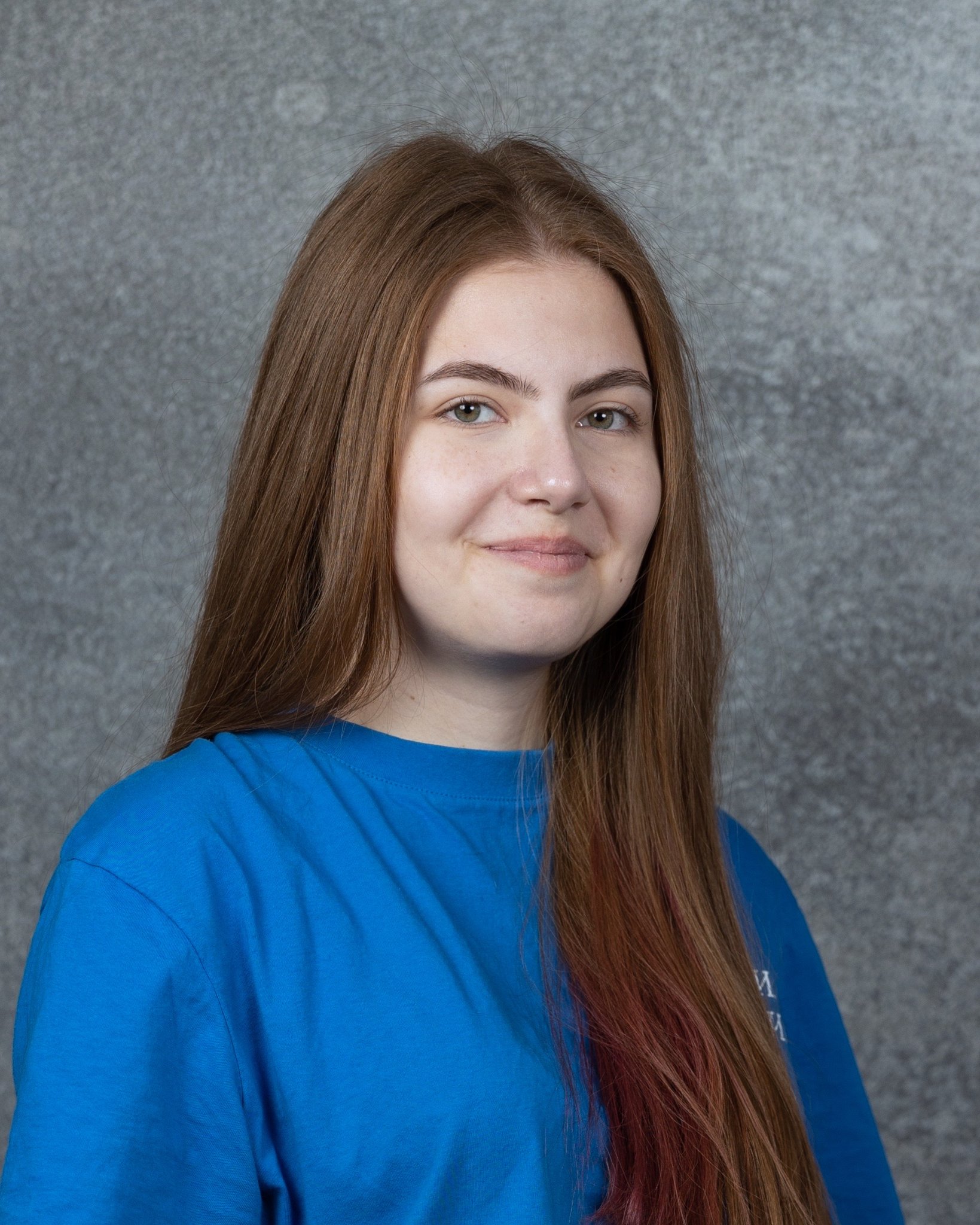
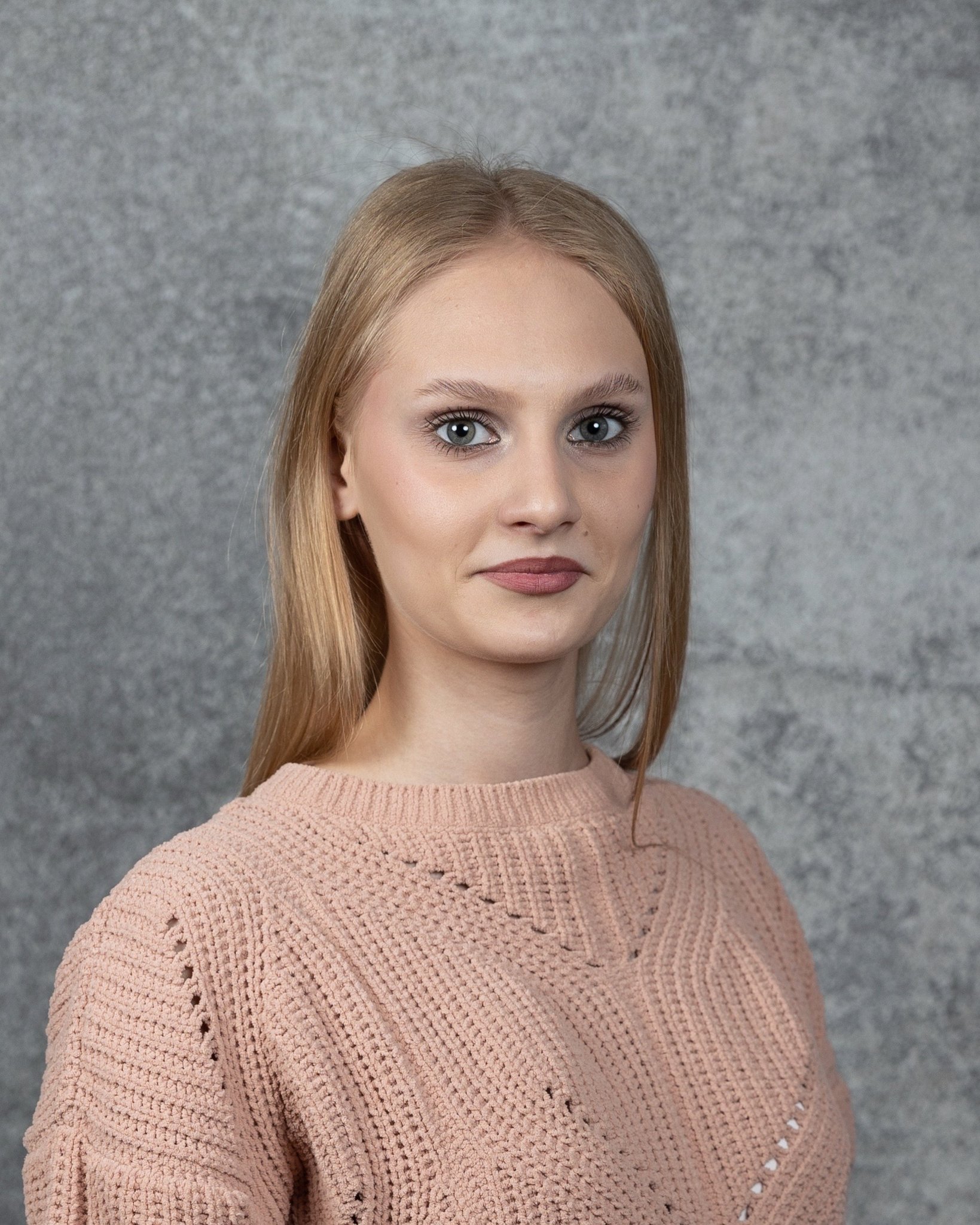
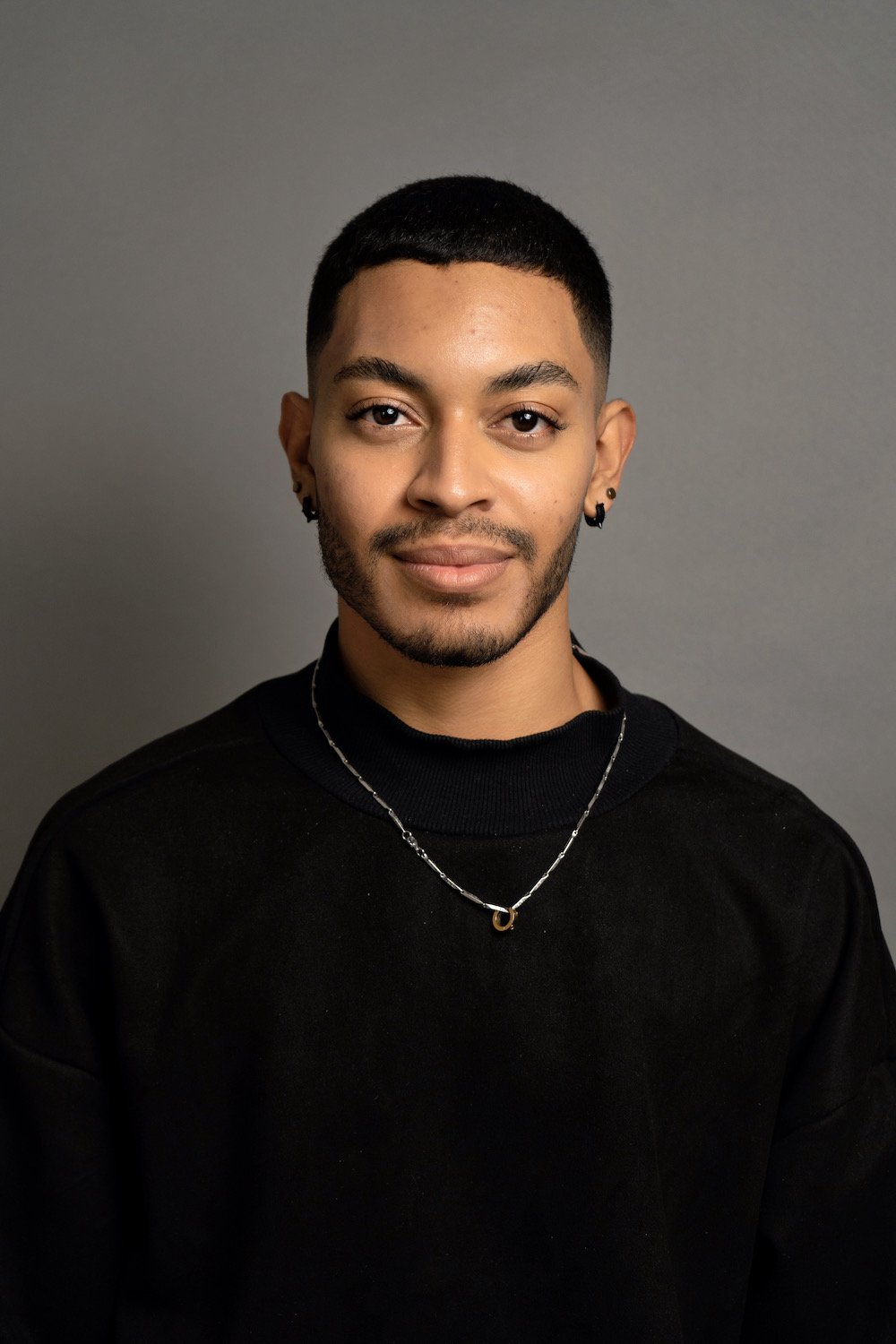
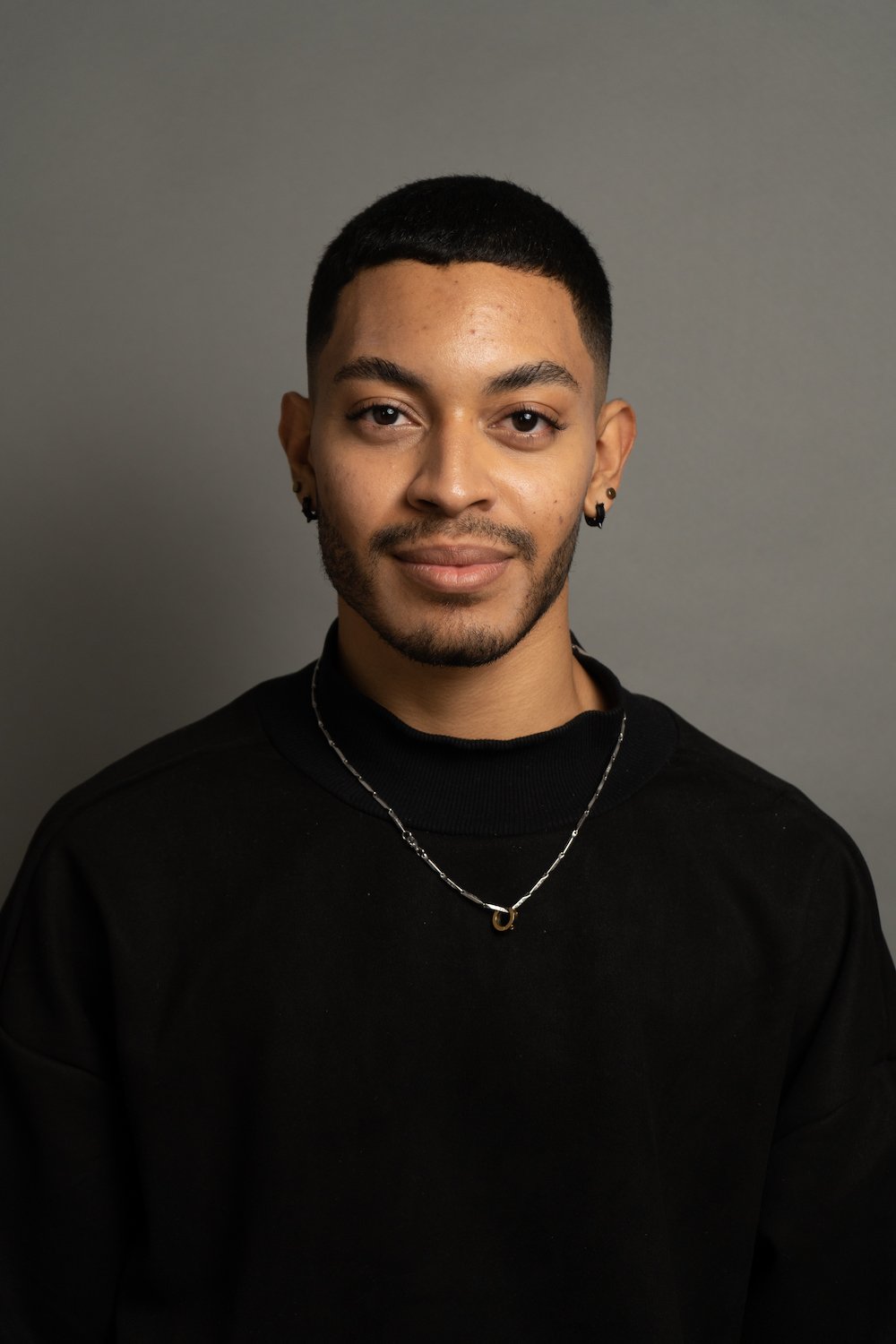
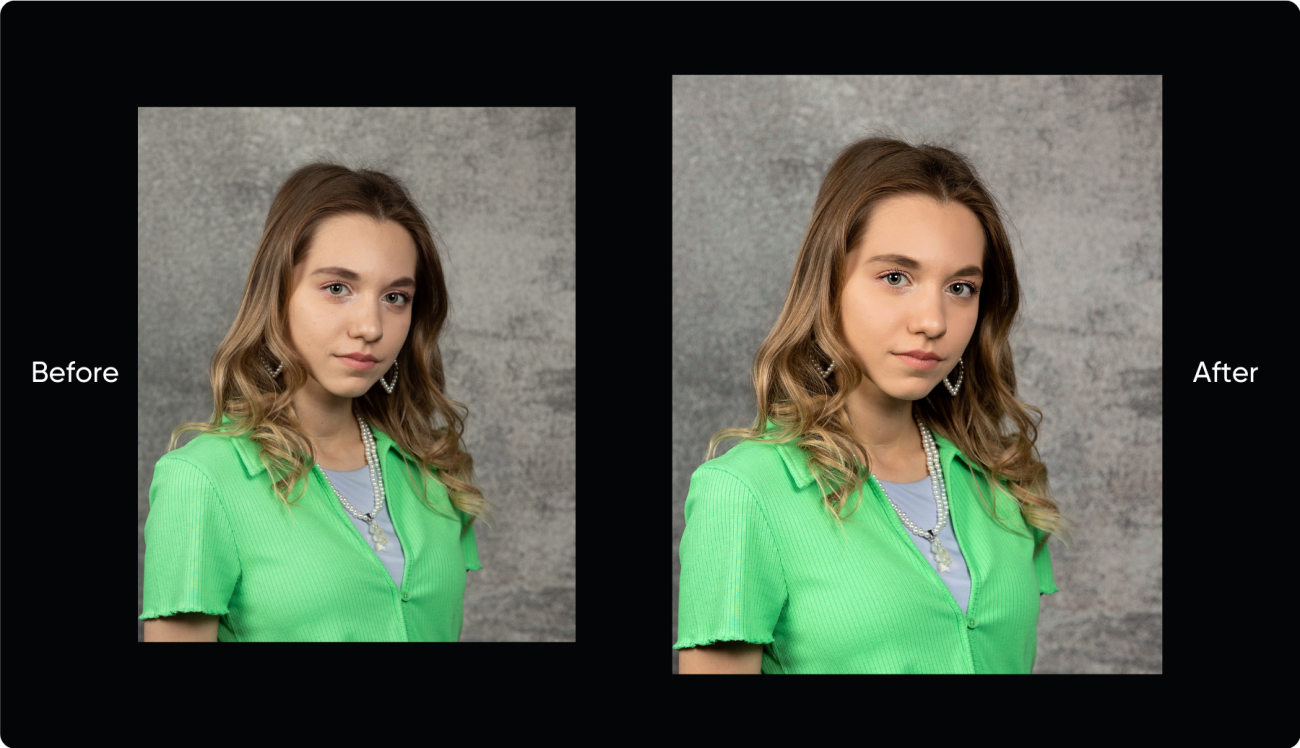
You asked, we listened. We're thrilled to announce the addition of AI White Balance for photos captured on dark studio backgrounds, grayscreen, and greenscreen environments. We understand that manual editors base their color correction off white balance to get the most accurate color possible. White balance is difficult to achieve in different lighting conditions, and often the lighting will cause color temperature to change across the image and create inaccurate colors and color casts.
We recognize the challenges manual editors face when working with white balance to achieve precise colors. Varying lighting conditions can cause color temperature shifts across the image, leading to inaccuracies and unwanted color casts.
With our automated AI White Balance, we aim to significantly cut down your manual editing time while guaranteeing accurate colors for these specific images. Trust in our technology to deliver the correct color balance, allowing you to focus on what matters most – capturing stunning photographs and running your business!
Effortless and Consistent Crops on Your Portraits
Auto Head Cropping Version 2
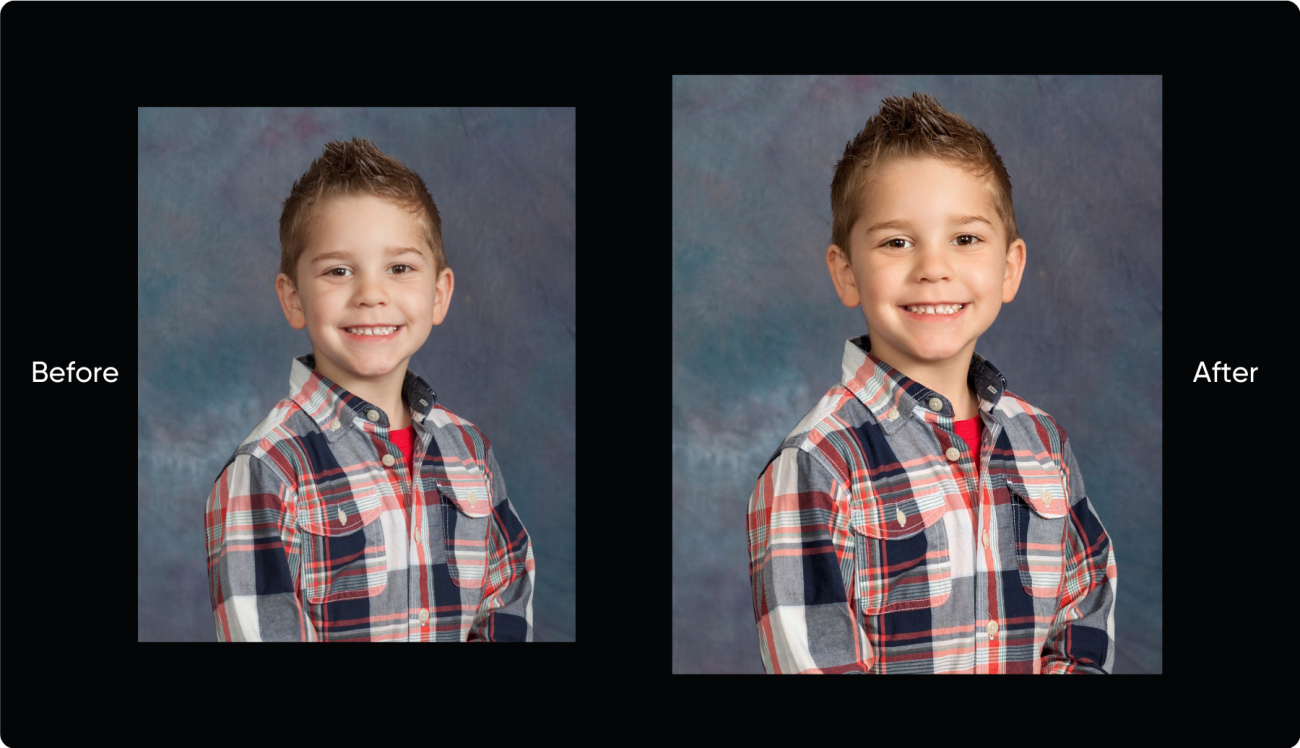
Introducing the newest version of Auto Crop, where perfectly cropped portraits are just a click away! Say goodbye to tedious manual cropping and hours spent sorting through photos or outsourcing to other companies.
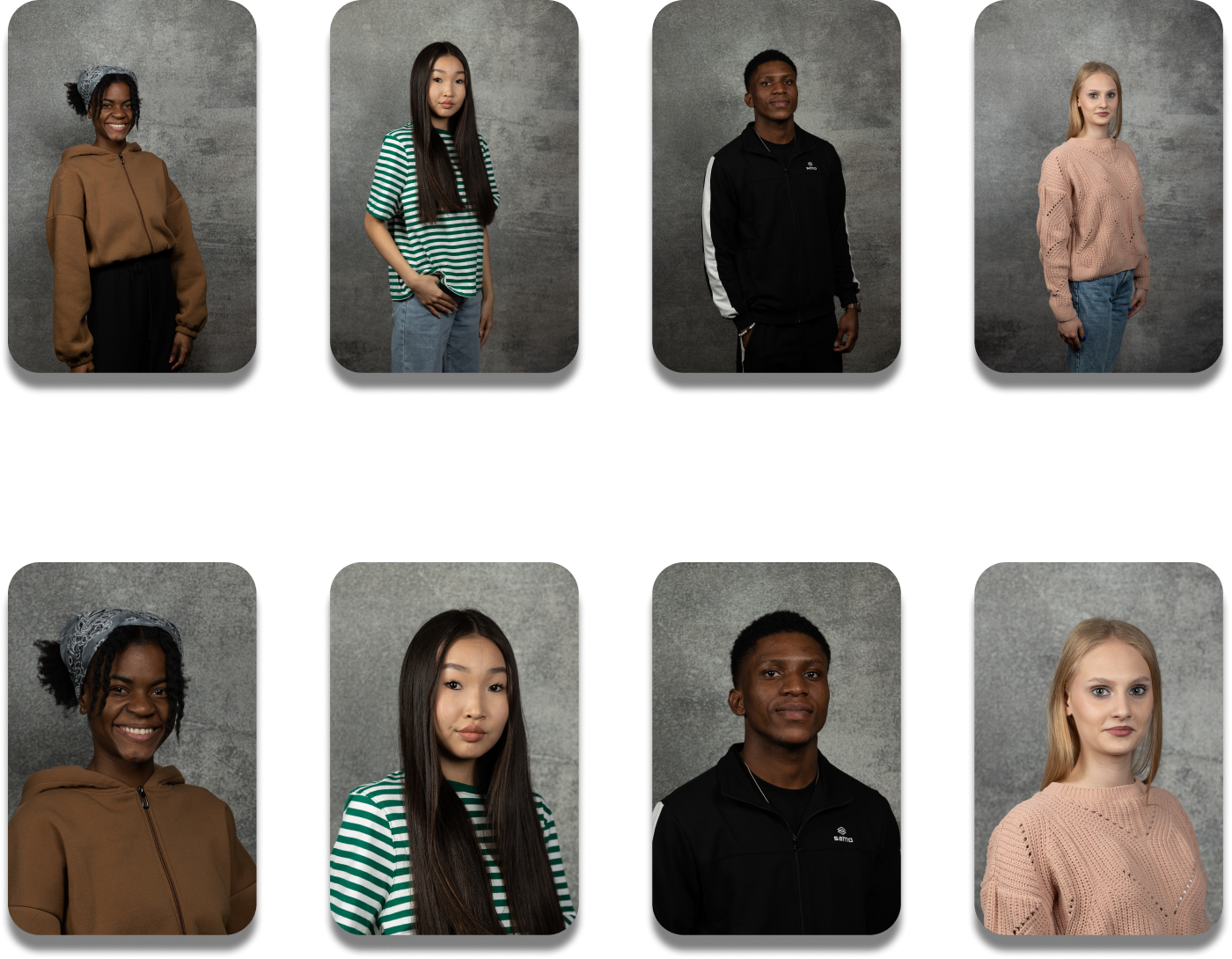
Auto Crop now effortlessly handles the cropping process based on your specified parameters, ensuring consistent head sizes, eyelines, and gap between the top of the head and top of the photo. Not only does this save you time on your general cropping needs, it’s also extremely beneficial to get a consistent crop for yearbook creation. Auto Crop images result in yearbook pages with consistent head sizes and eyelines.
In Auto Crop 2.0, we’ve further improved the “head gap” for larger heads and enhanced head location and sizing when the head is rotated, making it even more robust and efficient than our previous version.
Ready to Test?
Are you ready to test these new features? Testing is easy! Simply sign up for Perfectly Clear Cloud, our image quality testing tool and follow this FAQ. Load your photos in and watch the magic happen.
Current Customers:
- •If you are currently using one of our desktop products, simply update to the latest version to use this technology. If you are using custom presets, you’ll need to update them to turn on these features. If you are using our out-of-the-box AI Preset Models, an upgrade is all you’ll need.
- •If you are using any of our SDKs or APIs, contact your personal account manager or fill out our contact form to request the latest version and make sure your development team implements the new School & Sports AI Preset Model. If you are using custom presets, they will need to be updated with AI Skin Tone Accuracy V2 turned on. Contact us and we can assist you.
You can get specific information on your implementation and how this will effect you through the buttons below. Web API & Cloud Changes QuickDesk Updates SDK Backwards Compatibility